
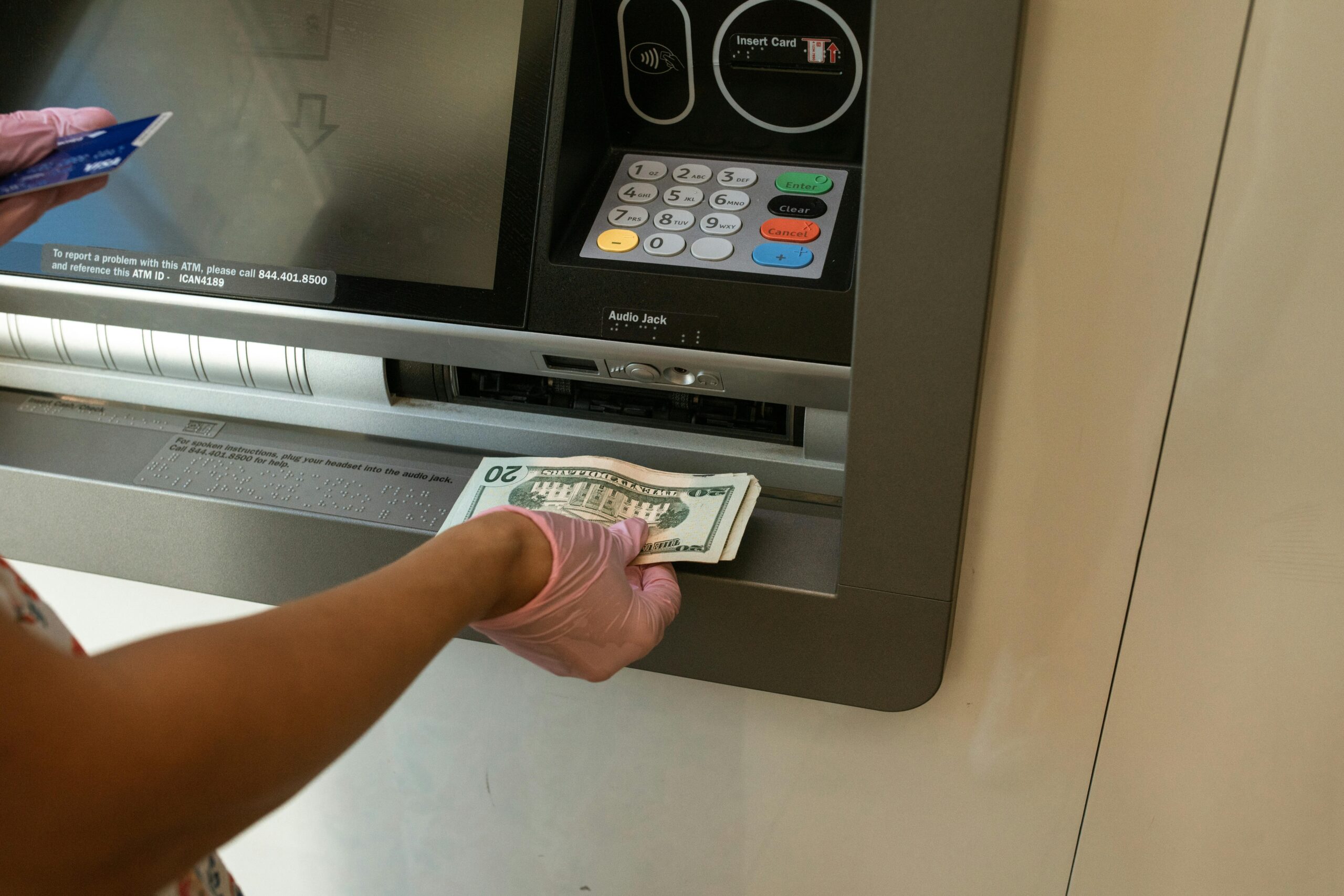
GCash cash out fee refer to the small charges applied when you withdraw money from your GCash wallet whether it’s through bank transfers, ATMs, or over-the-counter outlets. As of 2025, most users pay a ₱15 fee for InstaPay transfers to banks, while ATM withdrawals and cash outs at partner outlets may cost between ₱10–₱18 or 1–2% of the amount. Knowing these fees helps you choose the most cost-efficient way to access your funds.
GCash remains one of the most widely used digital wallets in the Philippines. But as convenient as it is, many users are still confused about one thing: Gcash cash out fee.
Whether you’re sending funds to your bank account, withdrawing cash, or using over-the-counter partners, it’s important to know how much you’re actually paying for each transaction.
In this guide, we’ll break down:
- The different ways tob cash out from GCash
- Updated cash out fees for 2025
- How to reduce or avoid charges
- Step-by-step cash out process and safety tips
What Is GCash?
GCash is a popular mobile wallet and financial app in the Philippines. It allows users to do a wide range of money-related tasks straight from their smartphones—without needing a bank account. With GCash, you can:
- Send and receive money
- Pay bills (electricity, water, internet, etc.)
- Buy load for mobile phones
- Shop online or in stores that accept GCash
- Invest, save money, or even apply for credit
It’s widely used because it’s simple, fast, and easy to access. All you need is a mobile number to register, and you can start doing cashless transactions anytime, anywhere. GCash is powered by Mynt, which is a joint venture between Globe Telecom, Ayala Corporation, and Ant Financial (an affiliate of Alibaba Group).
Importance of GCash Cash Out
GCash cash out serves a vital function because it enables users to transform their virtual money into actual cash which makes their wallet suitable for regular activities. The service offers users multiple ways to retrieve their funds because they can access their money through banks and remittance centers and pawnshops and partner outlets. Cashing out also enables you to meet unexpected costs while paying people who do not have digital wallets. The service improves financial access for mobile money users because it connects them with both cashless payment options and conventional cash requirements.
What Does ‘Cash Out’ Mean in GCash?
In GCash, “Cash Out” refers to withdrawing money from your GCash wallet and transferring it to either:
- A bank account
- An ATM (via GCash Mastercard)
- An over-the-counter partner outlet
Many users confuse “cash out” with “bank transfer,” but here’s the difference:
- Cash Out: General term for withdrawing money from GCash.
- Bank Transfer: A specific cash out method that uses InstaPay or PESONet to send money to a bank.
Common Reasons for Cashing Out:
- Sending money to personal or business bank accounts
- Withdrawing physical cash for emergencies
- Paying suppliers, rent, or utility bills outside the GCash ecosystem
Cash Out Methods in 2025:
- Bank Transfers (InstaPay or PESONet)
- ATM Withdrawal via GCash Mastercard
- Over-the-Counter Withdrawal at Partners
GCash Cash Out Methods & Associated Fees
1. GCash to Bank Transfers
GCash allows users to transfer funds to over 40 local banks using InstaPay or PESONet.
InstaPay (Most Common Method)
- Fee: ₱15 per transaction (as of 2025)
- Speed: Real-time
- Limits:
- Daily: ₱50,000 (depending on verification level)
- Per Transaction: Varies by bank
PESONet (Alternative Option)
- Fee: Often free for select banks like BPI or UnionBank
- Speed: End-of-day or next banking day
- When to use: For larger amounts or non-urgent transfers
Supported Banks:
BDO, BPI, Metrobank, Landbank, RCBC, UnionBank, Security Bank, and many more.
2. GCash ATM Withdrawal via GCash Mastercard
If you own a GCash Mastercard, you can withdraw money directly from any ATM.
Fees and Limits:
- ATM Withdrawal Fee: ₱10–₱18 (varies by ATM provider)
- Daily Withdrawal Limit: ₱50,000
- Max per transaction: ₱10,000 (may depend on the ATM)
How to Get a GCash Mastercard:
- Open the GCash app
- Tap “View All” > “Cash Out” > “GCash Mastercard”
- Order online or buy from authorized stores
3. GCash Over-the-Counter Cash Out
GCash has partnered with hundreds of remittance and payment outlets like:
- Palawan Express
- Cebuana Lhuillier
- Villarica Pawnshop
- Tambunting
- TrueMoney
Typical Fees:
- 1% to 2% of the total cash out amount
- Sample: Cashing out ₱1,000 may incur a fee of ₱10–₱20
Sample Fee Chart:
| Amount | Estimated Fee | Total Cost |
|---|---|---|
| ₱500 | ₱5–7 | ₱507 |
| ₱1,000 | ₱10–12 | ₱1,012 |
| ₱5,000 | ₱50–75 | ₱5,075 |
Bring a valid ID and reference number for successful transactions.
What do I need to cash out GCash?
To cash out your GCash balance, you need a verified GCash account and enough money to pay for both the withdrawal and any associated fees and you must access a cash-out partner who accepts cash-outs through banks and remittance centers and pawnshops and convenience stores. Some outlets may also require a valid government-issued ID for verification. Your GCash account connects to your mobile number which you will use to complete the transaction approval process. The GCash app allows you to start a cash-out process which enables you to receive your money in a fast and safe way.
Why does GCash charge ₱15 for InstaPay transfers?
GCash charges a ₱15 fee for InstaPay transfers to cover the service costs of using the InstaPay network, which is managed by the BSP (Bangko Sentral ng Pilipinas) and its partner banks. Here’s a breakdown of why this fee exists:
1. InstaPay is a Real-Time Payment Service
- InstaPay allows instant money transfers between different banks and e-wallets 24/7.
- This convenience comes with processing costs that GCash passes on as a small fee.
2. It Covers Processing and Transaction Fees
- Every InstaPay transaction involves system, security, and partner bank fees.
- The ₱15 fee helps maintain system reliability, speed, and security.
3. Helps Maintain GCash’s Free Core Services
- GCash keeps features like bills payment, QR payments, and wallet-to-wallet transfers free.
- Charging for InstaPay ensures the platform remains sustainable without needing subscription fees.
Tip to Avoid the ₱15 Fee:
Use PESONet transfers (available on GCash) when possible. Some linked banks like BPI or UnionBank offer free transfers via this method.
Visual Guide: GCash Cash Out Fee Comparison
Cash Out Methods Comparison Table
| Method | Fee | Speed | Notes |
| GCash to Bank (InstaPay) | ₱15 | Instant | Most convenient |
| GCash Mastercard (ATM) | ₱10–₱18 | Instant | Depends on ATM provider |
| Over-the-Counter Partners | ~1–2% of amount | Instant | Bring valid ID for withdrawal |
How to Reduce or Avoid GCash Cash Out Fees
Looking to save more? Try these tips:
1. Use BPI or UnionBank
- Link these banks directly to GCash
- Zero fees via PESONet
- Great for scheduled transfers
2. Transfer During Promos
- GCash occasionally waives InstaPay fees
- Watch for in-app notifications and promos
3. Increase GCash Wallet Limit
- Fewer transfers = fewer fees
- Upgrade to a verified GCash account to raise limits
Step-by-Step Guide: How to Cash Out from GCash to Bank
- Open the GCash app
- Tap “Transfer” or “Bank Transfer”
- Select your desired bank
- Input account name, account number, and amount
- Review and confirm the ₱15 InstaPay fee
- Tap “Send Money”
- Receive SMS confirmation within seconds
Tips for Safe and Efficient Transfers
The process of GCash transfers needs to verify all recipient information together with conducting two tests of mobile numbers and bank account details before sending money. Users should protect their accounts by using secure internet connections instead of public Wi-Fi while keeping their MPIN and OTP information secret to stop unauthorized access. Users should use GCash security features which include app locks and transaction notifications while they need to learn about fees and limits in order to prevent unexpected costs.
Users must select business partners who GCash has confirmed as trustworthy for their cash-out and transfer needs while they need to keep their transaction records for future use. The implementation of these practices enables GCash transfers to achieve complete security together with rapid execution and seamless operation.
FAQs
Is there a free way to cash out from GCash?
Yes! Use BPI or UnionBank via PESONet transfers to avoid the ₱15 InstaPay fee.
Why am I being charged ₱15 for GCash to bank transfer?
That’s the InstaPay convenience fee for real-time bank transfers. It applies to most banks.
Are GCash fees the same for all banks?
Mostly, yes. The InstaPay fee is ₱15 for supported banks, but PESONet transfers may be free depending on the bank.
Can I cancel a bank transfer after sending?
No. Once confirmed, GCash transfers are irreversible. Always double-check details.
What’s the maximum I can cash out daily?
- ₱50,000 per day for fully verified users
- Limits may vary based on transaction type or method used
How much is the GCash cash out fee?
GCash cash out fees vary depending on the partner or outlet. Typically, fees range from ₱10 to ₱25 per transaction, depending on the amount and location. Some partners may charge slightly higher fees for convenience.
How much does GCash charge per ₱1,000?
Cashing out ₱1,000 usually costs around ₱20–₱25, depending on the outlet or partner used. The app will show the exact fee before you confirm the transaction.
Where can I cash out for free on GCash?
GCash sometimes offers free cash-out promos through selected partners or ATMs. These offers are usually time-limited, so it’s best to check the GCash app under “Cash Out” for participating partners and current promotions.
Does GCash have cash out?
Yes, GCash allows users to cash out funds from their wallet through various channels like partner banks, remittance centers, pawnshops, convenience stores, or ATMs. Fees and limits depend on the outlet and account verification level.
Conclusion
GCash makes money transfers fast and easy, but fees can add up if you’re not careful. The process of transferring money from your GCash wallet to any bank account will result in a standard per-transaction fee which gets charged for each transfer. The typical price for InstaPay transfers reaches approximately 15 Philippine pesos which you must pay to complete your transfer through the application.
This fee applies to all local bank transfers which use real-time transfer to send money to banks including BDO, BPI, Landbank, and other local banks. The fee provides instant processing benefits to users at a low price, but costs increase when customers make multiple transfers. The GCash app displays transfer fees, which users must verify before they transfer money because partner banks and rate information may change.
Disclaimer
This article is for informational purposes only. Fees and features may change. All rates mentioned are based on publicly available data as of 2025. Always check your GCash app or the official website for the most accurate and up-to-date information.



I don’t think the title of your article matches the content lol. Just kidding, mainly because I had some doubts after reading the article. https://accounts.binance.com/pt-BR/register-person?ref=GJY4VW8W