

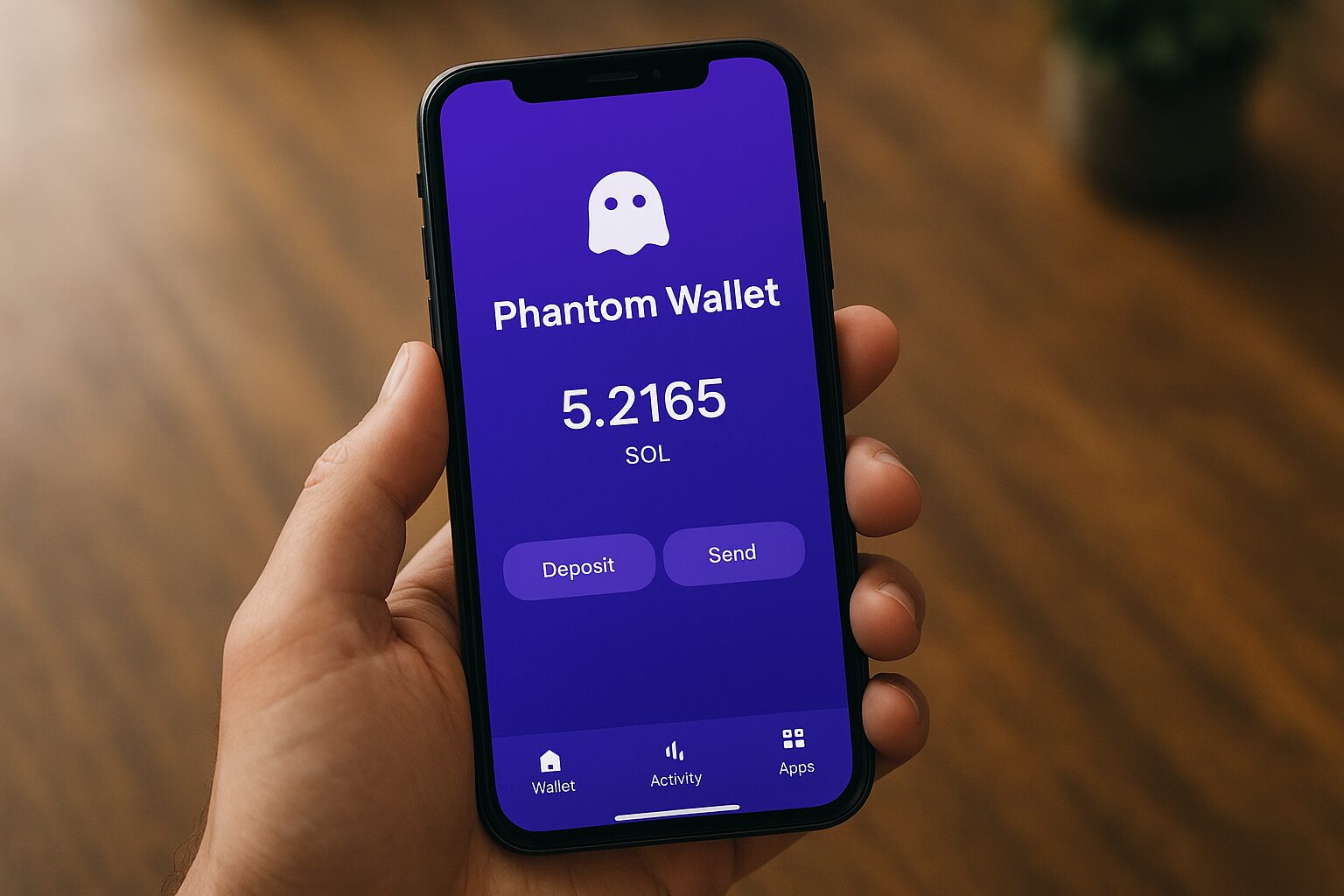
Cryptocurrency wallets are the foundation of the digital asset world. They allow users to store, send, and receive coins safely without depending on banks or centralized exchanges. As the Web3 and DeFi ecosystems expand, the need for secure and easy-to-use wallets like Phantom Wallet grows too.
Ever wondered how to store, send, or stake your Solana tokens safely in just a few minutes? This guide will walk you through what the Phantom Wallet is, how it works, and how to use it securely — even if you’re completely new to crypto.
What Is a Phantom Wallet?
The Phantom Wallet is a non-custodial cryptocurrency wallet built specifically for the Solana (SOL) ecosystem. It’s designed to make managing digital assets fast, simple, and secure. Think of it as the “MetaMask of Solana.” While MetaMask dominates Ethereum, Phantom focuses on Solana — a high-speed blockchain known for its low fees and fast transactions. Phantom was created by Phantom Technologies Inc., a company that focuses on making blockchain technology accessible to everyone.
Main features include:
- Supports SOL and SPL tokens (Solana-based assets)
- NFT storage and viewing directly inside the wallet
- Built-in staking and swapping tools
- Available on Chrome, Firefox, Edge, iOS, and Android
Key Features of Phantom Wallet
Phantom stands out because of its simplicity and strong user protection. Here are its top features that make it one of the best crypto wallets for Solana users:
1. User-Friendly Interface
Even first-time crypto users can navigate Phantom easily. The design is simple, intuitive, and similar to traditional banking apps.
2. Security
Phantom is non-custodial, meaning you control your private keys. It encrypts data on your device and never stores passwords on external servers.
It also includes:
- Password protection
- Seed phrase backup
- Built-in phishing detection
3. NFT Support
You can store, send, and view Solana NFTs right in the app — no need for third-party websites.
4. Staking SOL
Earn rewards by staking SOL directly from your wallet. Phantom lets you choose validators with just a few clicks.
5. Built-in Swapping
Phantom has an in-app decentralized exchange (DEX) that allows users to swap tokens instantly without leaving the wallet.
6. Multi-Device Sync
Your wallet syncs easily between the browser extension and mobile app.
Visual Idea: Infographic summarizing Phantom’s features (Security, NFTs, Staking, DEX, and Multi-Platform Sync).
How to Set Up a Phantom Wallet (Step-by-Step Guide)
Getting started with Phantom Wallet is quick and easy. Here’s how:
Step 1: Visit the Official Website
Go to https://phantom.app and download the browser extension or mobile app.
Tip: Bookmark the site to avoid fake links.
Step 2: Install the Extension or App
Follow your browser or device prompts to complete installation.
Step 3: Create or Import a Wallet
Choose “Create New Wallet” if you’re new. If you already have one, select “Import Wallet” and enter your seed phrase.
Step 4: Secure Your Seed Phrase
Write down your recovery phrase on paper and keep it offline. Never share it with anyone.
Step 5: Add Funds
Transfer SOL from an exchange like Binance or Coinbase to your Phantom Wallet address.
Step 6: Explore the Dashboard
Now you can view tokens, send or receive crypto, swap tokens, and stake SOL.
How to Use Phantom Wallet
Phantom’s interface is straightforward, and most actions can be done in seconds.
Sending & Receiving Crypto
- Click “Send”, paste the recipient’s Solana address, and confirm.
- To receive, copy your wallet address or scan your QR code.
Buying Solana (SOL)
You can buy SOL through integrations like MoonPay or transfer from another exchange.
Swapping Tokens
Use the Swap tab to exchange one Solana-based token for another instantly.
Staking SOL
- Click your SOL balance.
- Tap “Start Earning SOL”.
- Choose a validator and confirm.
- Watch your rewards grow over time.
NFT Management
View your NFTs under the Collectibles tab. You can send or sell NFTs directly through the wallet.
Visual Idea: A flowchart showing how transactions move between Phantom Wallet and the Solana blockchain.
Phantom Wallet Security: How Safe Is It?
Security is a top priority for Phantom Wallet. Because it’s non-custodial, you are the sole owner of your private keys — not any third party.
Why It’s Secure:
- Private keys never leave your device.
- The wallet uses end-to-end encryption.
- Phantom’s code is open source, allowing community audits.
Avoid These Mistakes:
- Don’t click on fake Phantom links or phishing emails.
- Never share your seed phrase.
- Only download from phantom.app.
You can also connect Phantom to a hardware wallet like Ledger for extra protection.
Phantom Wallet vs. Other Wallets
Here’s a quick comparison between Phantom and other top wallets:
| Feature | Phantom Wallet | MetaMask | Solflare | Trust Wallet |
|---|---|---|---|---|
| Blockchain | Solana | Ethereum | Solana | Multi-chain |
| NFT Support | Yes | Yes | Yes | Yes |
| Built-in DEX | Yes | Yes | Yes | Yes |
| Mobile App | Yes | Yes | Yes | Yes |
| Staking | Directly inside wallet | No | Yes | Yes |
| Speed | Very Fast | Average | Fast | ⚙️ Average |
benefits and risks of using Phantom Wallet
Advantages of Using Phantom Wallet: Phantom Wallet has an easy-to-use design that makes it simple for both new and experienced users to manage their crypto assets. It has strong security features, such as controlling the secret key, biometric authentication, and password protection. Phantom supports staking, NFTs, and smooth communication with decentralized apps that are built on Solana. This lets users handle everything from one place. It also works well with hardware wallets to make things even safer.
Risks of Using Phantom Wallet: Phantom Wallet has some benefits, but it also has some risks. As a non-custodial wallet, users are fully responsible for keeping their private keys and recovery phrase safe. If they lose them, they will lose all of their funds forever. As a hot wallet that is linked to the internet, it could also be attacked by fake scams or harmful websites if users are not careful. Transactions and performance can also be briefly slowed down by network congestion or problems with the Solana ecosystem.
Common Issues and Troubleshooting
Crypto platforms often have problems like failed transactions, delayed withdrawals, login issues, and mistakes when selling or staking. These problems usually happen because the network is too busy, there aren’t enough funds to cover fees, the wallet address is wrong, or the platform is being maintained for a short time. Before trying to fix a problem, users should check the state of the network, make sure they have enough money in their wallet or account, and look over the details of any transactions.
You can also avoid entry problems by using security features like two-factor authentication (2FA) and keeping your apps up to date. If the issues keep happening, checking the platform’s help center or calling customer service with transaction IDs and pictures can usually help fix the problem faster.
Future of Phantom Wallet
Phantom is expanding beyond Solana. The team has announced plans to support multiple blockchains, including Ethereum and Polygon, making it a multi-chain wallet. With millions of active users, Phantom is becoming one of the most trusted wallets in Web3. Its focus on usability, speed, and security could make it a dominant player in decentralized finance.
Conclusion
Phantom Wallet is a safe and easy-to-use cryptocurrency wallet that was made for the Solana environment. It’s a great choice for both new and experienced users. In a simple interface, it lets you store, send, receive, stake, and connect with decentralized apps without any problems. Phantom Wallet makes it easy to handle your digital assets while keeping control of your money. It has strong security features and a wide range of ecosystem support.
FAQs About Phantom Wallet
1. What is Phantom Wallet used for?
Phantom is used to store, send, stake, and trade Solana-based tokens and NFTs securely.
2. Is Phantom Wallet safe for beginners?
Yes. It’s non-custodial, secure, and easy to use even for first-time crypto users.
3. Can I use Phantom Wallet on mobile?
Yes. It’s available for both Android and iOS.
4. How do I recover my Phantom Wallet?
Use your recovery (seed) phrase during setup. Without it, you can’t access your funds.
5. Can I store NFTs in Phantom Wallet?
Absolutely. Phantom lets you store and view Solana NFTs directly inside the wallet.
6. Does Phantom support Bitcoin or Ethereum?
Currently, it focuses on Solana, but Ethereum and Polygon support are being added.
7. How do I stake SOL in Phantom Wallet?
Click your SOL balance, select “Start Earning SOL,” and choose a validator.
8. Is Phantom Wallet free to use?
Yes, it’s free. You only pay small Solana network fees.
9. What’s the difference between Phantom and MetaMask?
Phantom is for Solana, while MetaMask supports Ethereum and other EVM chains.
10. How do I connect Phantom Wallet to dApps?
Simply click “Connect Wallet” on Solana dApps like Magic Eden or Jupiter.
Disclaimer
This article is for educational purposes only and does not constitute financial advice. Always research before investing in cryptocurrencies or using digital wallets. Your funds and private keys are your responsibility.

Thanks for sharing. I read many of your blog posts, cool, your blog is very good.