
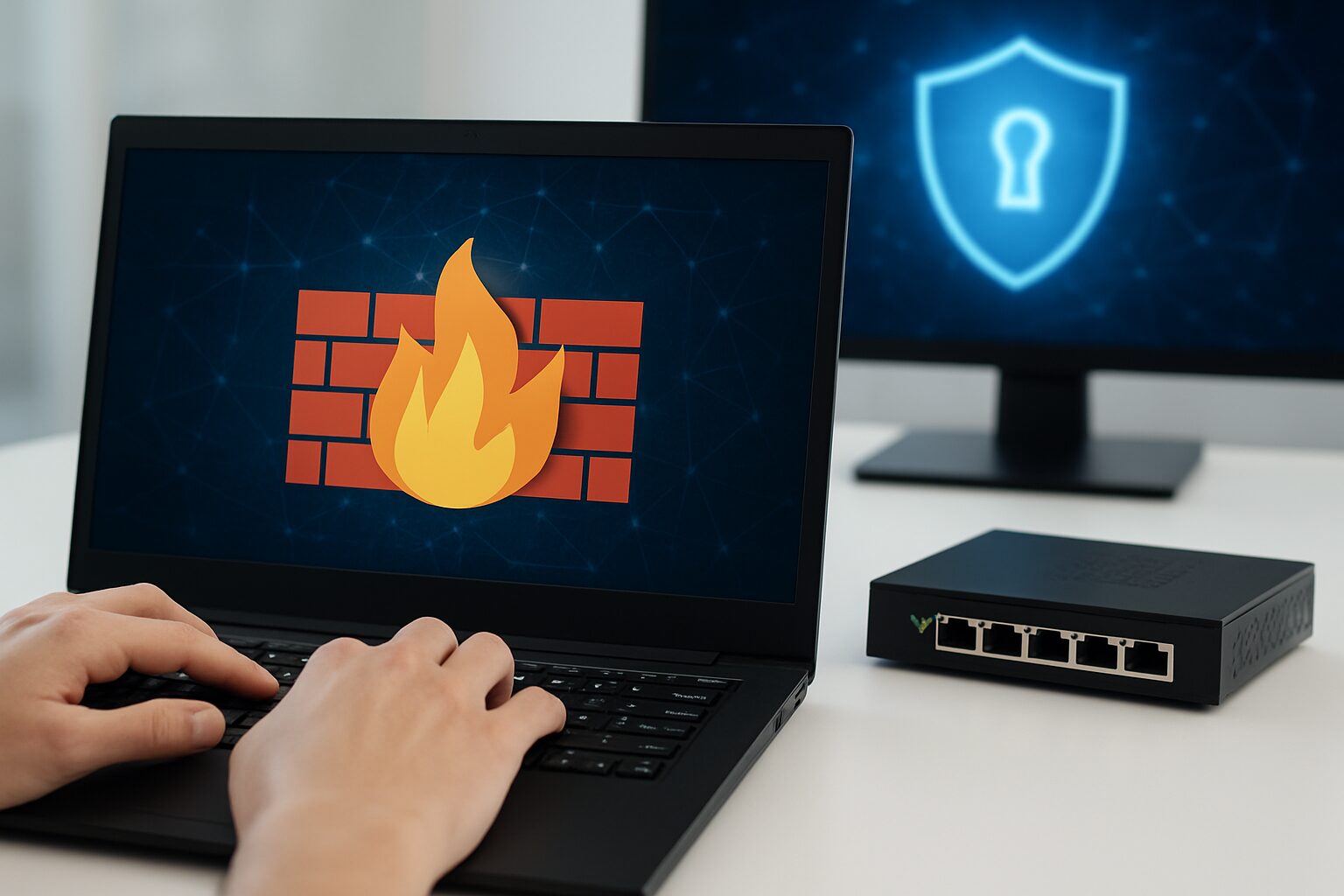
In today’s digital world, every device we use—phones, laptops, tablets, smart TVs—connects to the internet. While this makes life easier, it also exposes us to risks like hacking, malware, data theft, and other cyber threats. This is why network security is no longer optional. It is something every user, business, and organization must take seriously, and one of the most effective tools for protection is a firewall.
One of the most important tools used to protect data and devices is the firewall. A firewall acts like a digital security guard. It checks the traffic going in and out of your network and decides whether it should be allowed or blocked. Without a firewall, your network is open for anyone to enter—just like leaving your house door unlocked.
In modern computer networks, firewalls play a huge role in maintaining safety, privacy, and smooth operations. Whether you’re using home Wi-Fi or managing a large company network, understanding how firewalls work is essential.
What Is a Firewall?
A firewall is a security system that filters network traffic based on a set of rules. It monitors incoming and outgoing data and decides whether the traffic is safe or harmful.
How a Firewall Works
A firewall works by monitoring the data that travels between your computer or network and the internet. It uses a set of rules to decide which traffic is safe and which should be blocked. For example, it can allow trusted websites, applications, and emails while preventing access to malicious sites or suspicious connections. Firewalls can filter traffic based on IP addresses, ports, protocols, or content, acting as a gatekeeper to protect your devices and data from cyberattacks.
What Does a Firewall Do?
A firewall acts as a security barrier between your computer or network and the internet. It monitors incoming and outgoing data, allowing safe traffic while blocking harmful or unauthorized access. Firewalls protect devices from hackers, malware, and cyberattacks, helping keep your information secure and your network running smoothly.
Role of Firewalls in Protecting Devices and Networks
A firewall helps to:
- Stop hackers from entering your network
- Prevent malware, viruses, and worms
- Block unauthorized users
- Protect sensitive information
- Maintain safe browsing habits
Hardware vs. Software Firewall
| Type | Description | Best For |
|---|---|---|
| Hardware Firewall | A physical device placed between your network and the internet | Offices, businesses, home routers |
| Software Firewall | A program installed on a device (Windows Firewall, antivirus firewalls) | Personal computers, mobile devices |
Many networks use both to ensure maximum security.
How Firewalls Work
Firewalls filter traffic using different techniques. Here are the most common:
1. Packet Filtering
This is the simplest method. The firewall checks every packet (tiny units of data) based on:
- IP address
- Port number
- Protocol
If the packet matches safe rules, it is allowed. If not, it is blocked.
2. Traffic Monitoring and Rule-Based Filtering
Firewalls follow specific rules created by administrators. For example:
- Block websites
- Block dangerous ports
- Allow only certain applications
3. Allow vs. Deny Principles
Firewalls work using two basic rules:
- Default Allow – Everything is allowed unless blocked
- Default Deny – Everything is blocked unless allowed (more secure)
4. Key Components Firewalls Monitor
- IP addresses – identifies source and destination
- Ports – determines the type of service (e.g., web, email)
- Protocols – sets how data is transferred
5. Stateful vs. Stateless Inspection
| Type | Description |
|---|---|
| Stateless Firewall | Only checks packets individually; fast but less secure |
| Stateful Firewall | Monitors the state of connections; more secure and accurate |
Types of Firewalls
Packet-Filtering Firewall
This basic firewall checks packets based on simple rules.
Pros: Fast, lightweight
Cons: Less secure
Best for small networks.
Stateful Inspection Firewall
Tracks ongoing traffic sessions.
Benefits:
- Better accuracy
- Detects unusual patterns
Common in modern routers.
Proxy Firewall
Acts as a middleman between the user and the internet.
Benefits:
- Hides your real IP address
- Strong application-level filtering
Used in companies requiring strict security.
Next-Generation Firewall (NGFW)
The most advanced type. Includes:
- Deep packet inspection
- Intrusion prevention (IPS)
- Content filtering
- Malware and ransomware protection
NGFWs are widely used in enterprises.
Cloud Firewalls / FWaaS
Hosted in the cloud, not on hardware.
Why they’re growing:
- Cost-effective
- Easy to scale
- Great for remote workers and modern businesses
Key Functions and Roles of Firewalls in Computer Networks
Firewalls are essential for daily cybersecurity. Here’s what they do:
1. Protecting Network Perimeters
Firewalls act as the first line of defense between your network and the outside world.
2. Blocking Unauthorized Access
Only trusted users and devices can connect.
3. Preventing External Attacks
Helps stop:
- DDoS attacks
- Malware
- Ransomware
- Hackers
- Phishing attempts
4. Monitoring Internet Traffic
Every activity is logged, making it easy to spot suspicious behavior.
5. Creating Security Rules
Admins can allow or block:
- Apps
- Websites
- Ports
- Services
6. Safeguarding Sensitive Data
Firewalls help prevent unauthorized access to:
- Personal information
- Business data
- Financial documents
7. Supporting VPN Connections
Firewalls ensure secure remote access for employees working from home.
Visual Graph: Rising Cyberattacks Over the Years (Sample Data)
Year     | Number of Recorded Cyberattacks
-------------------------------------------
2018     | ####################
2019     | ############################
2020     | ###################################
2021     | ############################################
2022     | ###################################################
2023     | #############################################################
Insight: Cyberattacks continue to grow each year. This highlights why using a firewall is now a must—not just an option.
Benefits of Using a Firewall
Using a firewall provides multiple layers of protection for your network and devices. It blocks unauthorized access, keeping hackers and malicious software out. Firewalls help prevent data breaches, protect sensitive information, and reduce the risk of cyberattacks. They also monitor network traffic, ensuring only safe and legitimate connections are allowed. For businesses, firewalls maintain secure communication and compliance with security regulations, while for individuals, they provide peace of mind that personal data is protected.
Common Firewall Configurations
1. Default Deny vs. Default Allow
Most secure networks use Default Deny, blocking everything unless approved.
2. Port Blocking
Common ports to block include:
- Port 23 (Telnet)
- Port 445 (SMB)
3. Custom Security Policies
Admins can create rules like:
- Allow email but block file-sharing apps
- Allow internal traffic but block external FTP
4. DMZ (Demilitarized Zone) Setup
A DMZ isolates public-facing servers from the internal network.
5. Firewall Logs
Used to identify threats, failed connection attempts, and suspicious IPs.
Common Firewall Threats and Limitations
While firewalls are essential for protecting networks, they have limitations and cannot stop every threat. Sophisticated malware, insider attacks, or misconfigured settings can bypass them. They may also struggle to fully protect web applications or encrypted traffic through VPNs and proxies. To stay secure, firewalls should be combined with antivirus software, regular updates, and careful monitoring of network activity, ensuring a stronger, layered defense against cyber threats.
Importance of firewalls
Firewalls are a critical part of cybersecurity because they act as the first line of defense against cyber threats. They protect networks and devices from hackers, malware, and unauthorized access. Firewalls help secure sensitive data, prevent breaches, and ensure safe communication between devices. For businesses, they maintain compliance with security standards, while for individuals, they provide peace of mind knowing personal information and online activity are protected. Simply put, without a firewall, networks are far more vulnerable to attacks and data loss.
Best Practices for Firewall Management
To maintain strong security, follow these tips:
1. Update Rules Regularly
Remove old and unused rules.
2. Monitor Logs Daily
Spot threats early before they spread.
3. Update Firmware
Old software makes firewalls vulnerable.
4. Use Layered Security
Combine firewall + antivirus + intrusion prevention.
5. Conduct Penetration Testing
Check for weaknesses before attackers do.
Conclusion
Firewalls are one of the most important tools in computer network security. They protect devices, monitor traffic, prevent attacks, and keep your data safe from cybercriminals. Whether you’re using home Wi-Fi or running a business, installing and managing a firewall correctly is essential. With cyber threats increasing every year, having a firewall is no longer an option—it’s a must. Strengthen your security today and stay one step ahead of attackers.
FAQs About Firewalls
1. What is the main purpose of a firewall?
To block harmful or unauthorized traffic and protect your network from cyberattacks.
2. Do I need a firewall at home?
Yes. Home networks also face threats like hacking and malware.
3. Can a firewall stop viruses?
Firewalls help prevent viruses but should be used along with antivirus software.
4. What is the difference between a router and a firewall?
A router directs traffic, while a firewall protects traffic.
5. Are software firewalls enough?
They work well for personal use, but businesses need hardware or next-gen firewalls too.
6. Can firewalls block websites?
Yes, firewalls can block specific websites based on rules.
7. What is a next-generation firewall (NGFW)?
An advanced firewall with deep packet inspection and intrusion prevention.
8. Does a VPN need a firewall?
Yes. Firewalls help secure VPN connections from external threats.
9. Can hackers bypass firewalls?
Yes, especially if the firewall is outdated or misconfigured.
10. How often should I update firewall rules?
Every few months—or whenever your network changes.
Disclaimer
This article is for educational purposes only. It does not replace professional cybersecurity advice. For sensitive or business-critical systems, consult a qualified IT security expert.