
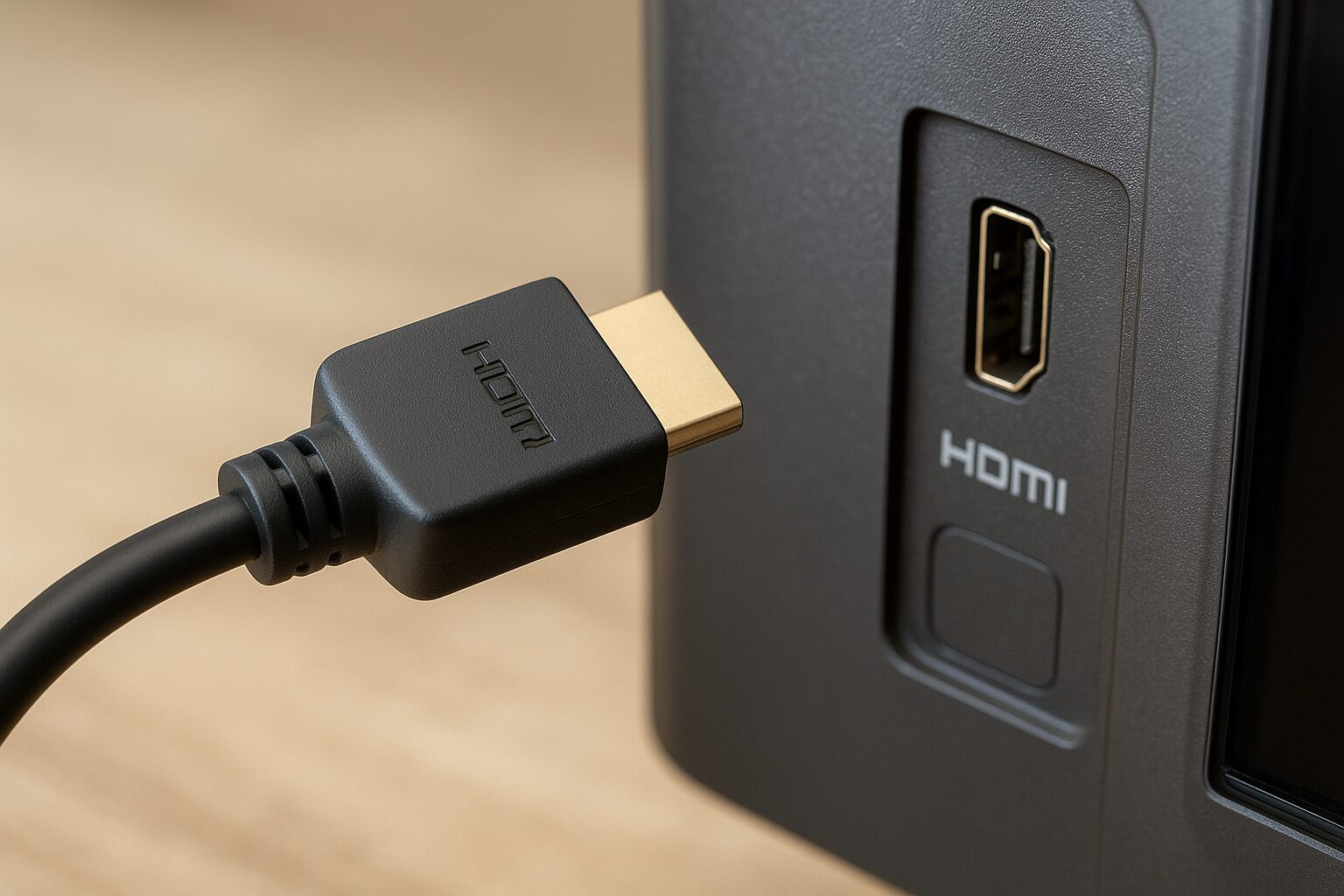
HDMI cables are everywhere—behind TVs, inside gaming setups, in office projectors, and even in home theater systems. But despite being so common, many people still ask: What do HDMI cables actually do? This guide will walk you through everything you need to know, using simple words and easy explanations. Whether you’re setting up a TV, a gaming console, or a PC monitor, understanding HDMI cables can help you get better picture quality, clearer sound, and a smoother overall experience.
What HDMI cables are
HDMI stands for High-Definition Multimedia Interface. These are cables used to transfer both high-quality video and audio from one device to another—like from a laptop to a TV, or from a PlayStation to a monitor. They are commonly used to connect TVs, monitors, gaming consoles, computers, and home theater systems. Unlike older cables that required separate connections for audio and video, HDMI cables carry both signals in a single wire, simplifying setups and reducing clutter. Modern HDMI cables also support features like 4K resolution, HDR, and high-refresh-rate gaming, making them essential for high-definition entertainment and professional media applications.
Brief history and evolution of HDMI technology
Before HDMI existed, people used older connectors like VGA, DVI, and RCA cables. These older wires often had lower quality, and you needed separate cables for audio and video.
HDMI was introduced in 2002, and it changed everything. Now, one single cable can carry:
- HD or 4K video
- Surround sound audio
- Control signals
- Even internet data (depending on the version)
Over the years, HDMI versions have improved—from HDMI 1.0 to HDMI 2.1—supporting higher resolution and better sound.
Why HDMI cables remain important today
HDMI cables remain important today because they provide a reliable, high-quality connection for both video and audio between devices. Even with wireless streaming and smart technologies, HDMI ensures lossless transmission, supporting 4K, HDR, and high-refresh-rate content without lag or compression. They are widely compatible with TVs, monitors, gaming consoles, and computers, making them essential for home entertainment, professional media production, and gaming setups. HDMI cables also simplify setups by combining audio and video in a single cable, which keeps connections clean and consistent.
What Are HDMI Cables?
Definition of HDMI (High-Definition Multimedia Interface)
HDMI is a digital interface that carries both audio and video signals using a single cable. It sends 100% digital signals, meaning the image and sound are clearer compared to old analog cables.
Purpose and basic function
HDMI cables are designed to:
- Deliver high-resolution video (HD, 4K, 8K)
- Deliver high-quality audio (Dolby Atmos, DTS:X)
- Connect modern devices easily
How HDMI cables work (simple explanation)
Inside an HDMI cable are multiple tiny wires that carry data in digital form—1s and 0s.
Your device (like a PS5) sends this data to your TV, which then converts it into video and sound.
Difference between HDMI and older connection types
| Connection Type | Video | Audio | Quality Level |
|---|---|---|---|
| VGA | Yes | No | Low (Analog) |
| DVI | Yes | No | Medium (Digital) |
| RCA/Composite | Yes | Yes | Low (Analog) |
| HDMI | Yes | Yes | High (Digital) |
HDMI is the “all-in-one” connection.
What Do HDMI Cables Do?
1. Transmit digital video
HDMI cables can transmit:
- 720p HD
- 1080p Full HD
- 4K
- 8K
- Even 10K (future-ready for some devices)
2. Transmit digital audio
HDMI supports:
- Surround sound
- Dolby Atmos
- DTS:X
- Standard stereo
3. Transmit control signals (HDMI-CEC)
CEC lets you control multiple devices using one remote.
Example: Turning on your PS5 automatically turns on the TV.
4. Support for Ethernet (HEC)
Some HDMI cables allow internet data to pass through, reducing the need for extra network cables.
5. Support for ARC and eARC
ARC = Audio Return Channel
eARC = Enhanced Audio Return Channel
These are used when connecting:
- TVs to soundbars
- TVs to home theater receivers
6. Importance of high-quality signal transmission
Good HDMI cables ensure:
- No flickering
- No lag
- No audio dropouts
- Better color and brightness
Suggested Visual / Graph / Stats
Title: HDMI Cable Versions and Their Capabilities (2025 Overview)
A simple bar graph showing:
The Core Function of HDMI Cables
The core function of HDMI cables is to transmit high-quality digital video and audio signals between devices. They act as a single connection that carries both picture and sound, allowing devices like TVs, monitors, gaming consoles, and computers to display media without signal loss or interference. HDMI cables ensure that video remains crisp and clear, while audio stays synchronized and accurate. Their primary role is to simplify connectivity, replacing older systems that required separate cables for video and audio, and supporting modern features like 4K resolution, HDR, and surround sound for an optimal viewing and listening experience.
Types of HDMI Cables
- Standard HDMI
- For 720p and older devices
- High-Speed HDMI
- For 1080p and basic 4K
- Premium High-Speed HDMI
- For 4K HDR
- Ultra High-Speed HDMI
- For 8K, 4K 120Hz, gaming setups
HDMI 1.4 vs. 2.0 vs. 2.1
- HDMI 1.4 – Good for 1080p
- HDMI 2.0 – Best for standard 4K TVs
- HDMI 2.1 – Best for PS5, Xbox Series X, 4K 120Hz, 8K TVs
Which HDMI version is best for different devices
- PS5/Xbox Series X → HDMI 2.1
- Basic TV watching → HDMI 2.0
- PC monitor for gaming → HDMI 2.1
- Projectors → HDMI 2.0 or 2.1
What HDMI Cables Are Used For
HDMI cables are used to transmit high-quality digital video and audio between devices. They connect TVs, monitors, projectors, gaming consoles, Blu-ray players, and computers to display screens or audio systems. Common uses include:
- Watching movies or TV shows in high definition
- Gaming, providing smooth, low-latency graphics and sound
- Streaming media from computers or devices to larger displays
- Home theater setups, delivering surround sound and video through a single cable
- Professional media production, ensuring accurate video and audio signals
By combining both audio and video in one cable, HDMI cables simplify connections and maintain clear, consistent performance across devices.
Key Features of HDMI Cables
Resolution and refresh rate
HDMI cables can support:
- 1080p
- 1440p
- 4K
- 8K
- 60Hz, 120Hz, even 144Hz (for gaming)
HDR support
Improves color, contrast, brightness.
Bandwidth
Higher bandwidth = more data = better performance.
Color depth
10-bit and 12-bit color are supported on better cables.
Audio formats supported
- Dolby Atmos
- DTS:X
- PCM
- Dolby Digital
Cable length considerations
Longer cables may lose signal unless high-quality.
Durability
Look for:
- Braided cable
- Gold connectors
- Reinforced plugs
Do Expensive HDMI Cables Matter?
Do expensive HDMI cables matter? In most cases, not really. HDMI is a digital signal, which means the data either gets transmitted correctly or it doesn’t—there’s no “better quality” in higher-priced cables for standard use. As long as the cable meets the HDMI version requirements (like HDMI 2.0 or 2.1) for your device—supporting the resolution, refresh rate, and features you need—any certified cable will work. Expensive cables may offer longer lengths, better durability, or premium materials, but for typical home setups, a reasonably priced, certified HDMI cable performs just as well.
Signs You Need to Replace Your HDMI Cable
- Screen flickering
- No signal
- Random disconnections
- Audio cutting in and out
- Colors look strange
- Connector feels loose
HDMI Cable Buying Guide
How to choose the right HDMI cable
Pick your cable based on:
- Resolution (1080p/4K/8K)
- Refresh rate
- Audio needs
- Cable length
- HDMI version support
What specs to look for
- “Ultra High-Speed HDMI” for 4K 120Hz or 8K
- “Certified Premium” for 4K HDR
- Supports Dolby Atmos (if needed)
Avoiding fake or low-quality HDMI cables
Buy from trusted stores or brand-certified sellers.
Recommended cable lengths
- Under 6 feet = best signal
- 6–15 feet = get a Premium cable
- Above 20 feet = get an active HDMI cable
Certifications to check
- HDMI.org certification
- Ultra High-Speed hologram label
How to Properly Use and Maintain HDMI Cables
- Plug in carefully
- Do not bend near the connector
- Use cable organizers
- Keep cables away from heat
- Store extras in a cool, dry place
Common HDMI Myths (Debunked)
1. “Gold-plated HDMI cables improve picture”
False—gold just prevents corrosion.
2. “Long HDMI cables always lose quality”
Only true for cheap long cables.
3. “All HDMI cables are the same”
Different versions support different resolutions.
4. “Higher price = better performance”
Not always—check specs, not price.
FAQs About HDMI Cables
- Do all HDMI cables support 4K?
No, only High-Speed, Premium, and Ultra High-Speed cables support 4K. - What HDMI cable is best for PS5?
HDMI 2.1 or Ultra High-Speed HDMI. - Can HDMI carry both video and audio?
Yes, both are carried in one cable. - Does HDMI work with older TVs?
Yes, as long as the TV has an HDMI port. - Are gold-plated HDMI cables better?
Not for picture quality—only for durability. - Why does my HDMI say “No Signal”?
Loose connection, damaged cable, or wrong input source. - Is HDMI better than VGA?
Yes, HDMI is digital and supports audio. - Can HDMI cables go bad?
Yes, especially if bent or used for years. - How long can an HDMI cable be?
Up to 50 feet for active cables; 10–15 feet for standard ones. - Do I need HDMI 2.1 for 4K TV?
Only if you want 4K 120Hz; otherwise, HDMI 2.0 is enough.
Conclusion
HDMI cables play a huge role in modern entertainment and work setups. They deliver high-quality video, clear sound, and an easy connection process. Understanding the types and features helps ensure your devices perform at their best.
If you’re planning to upgrade your TV, gaming console, or sound system, choosing the right HDMI cable is just as important as choosing the device itself
Disclaimer
This article is for educational purposes only. Specs, features, and device compatibility may vary based on brand or model. Always check your device’s manual before buying a cable.