

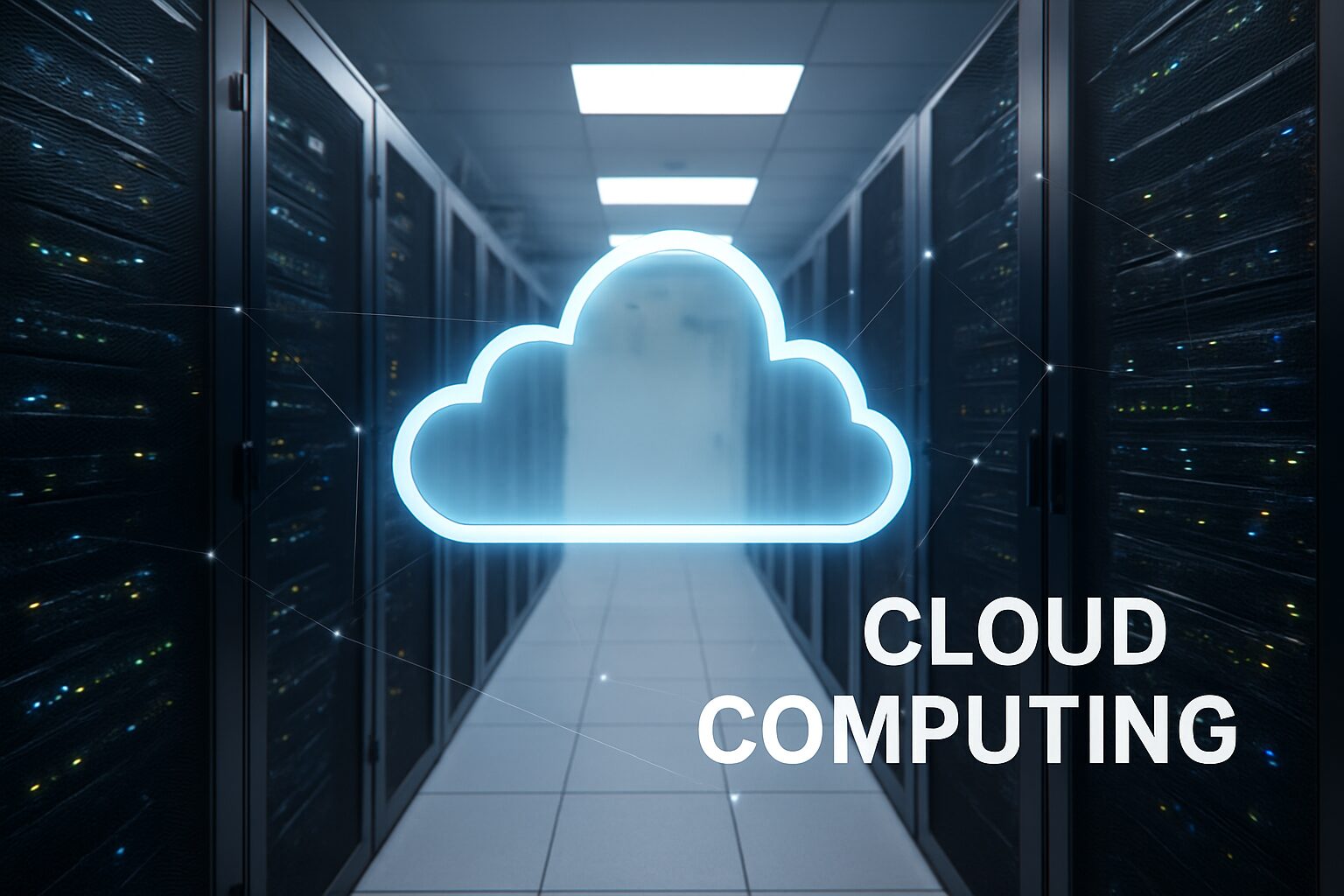
Cloud computing simply means storing, processing, and accessing data or applications over the internet instead of on your computer’s hard drive. Instead of buying your own servers or hardware, you use online servers hosted in data centers.
Why Cloud Computing Matters
Cloud computing has become a cornerstone of modern technology because it provides flexible, scalable, and cost-effective IT resources over the internet. Instead of maintaining physical servers and infrastructure, businesses and individuals can access computing power, storage, and software on-demand.
Cloud computing matters because it enables remote collaboration, allowing teams to work from anywhere while accessing shared applications and data. It also supports rapid scalability, letting organizations quickly adjust resources based on demand without huge upfront costs. Additionally, cloud services enhance data security and disaster recovery, as providers implement robust backups, encryption, and monitoring.
How Cloud Computing Changed Technology
Cloud computing has revolutionized technology by shifting computing from on-premises servers to the internet, making IT resources more accessible, scalable, and cost-efficient. Businesses no longer need to invest heavily in physical infrastructure, which lowers operational costs and enables faster deployment of applications.
It has transformed software delivery, allowing services to be offered as SaaS (Software as a Service), PaaS (Platform as a Service), or IaaS (Infrastructure as a Service). This has made collaboration easier, with employees accessing data and applications from anywhere in real time.
What Is Cloud Computing?
Cloud computing means getting computing services—like storage, servers, databases, and software—over the internet (“the cloud”). You don’t manage the physical machines. You simply use them when you need them.
How Cloud Computing Works
Cloud computing works by providing on-demand access to computing resources—such as servers, storage, databases, networking, and software—over the internet. Instead of relying on local servers or personal computers, users connect to a network of remote data centers maintained by cloud providers.
- Infrastructure Layer (IaaS): Physical servers and storage are virtualized and offered as scalable resources, so businesses can rent computing power instead of buying hardware.
- Platform Layer (PaaS): Developers get platforms and tools to build, test, and deploy applications without managing the underlying infrastructure.
- Software Layer (SaaS): Users access software applications through web browsers, eliminating installation and maintenance tasks.
Cloud services rely on virtualization, distributed computing, and high-speed internet to ensure reliability and scalability. Data is stored securely in the cloud, processed by servers, and delivered to users anywhere, often with automated scaling, load balancing, and security protocols.
Key Characteristics of Cloud Computing
Cloud computing has several important features:
1. On-Demand Resources
Users can access storage, computing power, or applications anytime without waiting.
2. Broad Network Access
Cloud services can be used on any device—phones, laptops, tablets—connected to the internet.
3. Scalability
You can increase or decrease resources based on your needs. Great for companies that experience seasonal demand.
4. Pay-as-You-Go Pricing
You only pay for what you use, making the cloud cost-efficient.
5. Managed Services
Cloud providers handle updates, security, and maintenance, while users focus on their tasks.
The Evolution of Cloud Computing
Cloud computing didn’t appear overnight. It evolved through several stages:
Pre-Cloud Era: On-Premises Hardware
Before the cloud, companies stored everything on physical computers located inside their office buildings. This was expensive, required IT experts, and limited growth.
Rise of Virtualization
Virtualization allowed one computer to act like many. This reduced costs and allowed remote access.
Growth of Cloud Giants
Companies like:
- Amazon Web Services (AWS)
- Google Cloud Platform (GCP)
- Microsoft Azure
brought cloud computing to businesses worldwide.
Cloud Computing
Today, cloud computing has become the backbone of:
- AI systems
- Online entertainment
- Business software
- Remote work
- Cybersecurity solutions
Main Types of Cloud Computing Services
Cloud computing services fall under three major categories.
IaaS (Infrastructure as a Service)
IaaS offers basic computing resources such as servers, storage, and networking.
What IaaS Provides
- Virtual machines
- Data storage
- Network infrastructure
- Firewalls and security
- Load balancers
Popular Examples
- AWS EC2
- Google Compute Engine
- Azure Virtual Machines
IaaS is ideal for businesses that want full control over their computing environment.
PaaS (Platform as a Service)
PaaS provides tools for developers to build, test, and deploy applications without managing servers.
What Developers Use PaaS For
- Application development
- Database management
- Automation
- Software testing
Examples
- Google App Engine
- AWS Elastic Beanstalk
- Heroku
PaaS is perfect for developers who want to focus on coding, not infrastructure.
SaaS (Software as a Service)
SaaS provides ready-to-use applications over the internet.
Why SaaS Is Popular
- No installation required
- Works on any device
- Automatic updates
- Easy to use
Examples
- Google Workspace
- Microsoft 365
- Zoom
- Dropbox
SaaS is the most common cloud model used by everyday people.
Types of Cloud Deployment Models
Public Cloud
Cloud services shared by many users.
Pros
- Affordable
- Highly scalable
- No maintenance
Cons
- Less customization
- Higher security concerns for sensitive data
When to Use
Startups, small businesses, and general use.
Private Cloud
Cloud services used by one organization only.
Pros
- High security
- Full control
- Customizable
Cons
- Expensive
- Requires IT expertise
Best For
Banks, government agencies, enterprises.
Hybrid Cloud
A mix of public and private cloud.
Great for businesses needing flexibility, security, and scalability.
Multi-Cloud
Using services from multiple cloud providers.
Why Companies Use Multi-Cloud
- Avoid vendor lock-in
- Reduce downtime
- Optimize performance
Examples
A company using AWS for computing + Google Cloud for AI + Azure for storage.
Examples of Cloud Computing in Everyday Life
Cloud computing is part of our daily activities:
1. Streaming Services
Netflix, Spotify, and YouTube use cloud servers to deliver movies and music.
2. Cloud Storage
Google Drive, iCloud, OneDrive store your files online.
3. Online Gaming
Xbox Cloud Gaming and GeForce Now run games on cloud servers, not local devices.
4. AI Tools
Chatbots, automation tools, and virtual assistants use cloud infrastructure.
5. Business Applications
CRM, ERP, project management tools, HR systems—all run on the cloud.
Benefits of Cloud Computing
1. Cost Savings
No need for expensive hardware.
2. Scalability
Grow or shrink your resources instantly.
3. Remote Access & Collaboration
Work from anywhere—perfect for remote teams.
4. High Security
Cloud providers have advanced cybersecurity tools.
5. Fast Innovation
Developers can build products faster using cloud platforms.
6. Global Performance
+Data centers around the world improve speed and reliability.
Visual: Cloud Adoption Growth (2020–2025)
Year      | Global Cloud Adoption Rate
-------------------------------------
2020      | 45%
2021      | 52%
2022      | 61%
2023      | 68%
2024      | 74%
2025      | 81%
Insight: Cloud adoption continues to increase as more users rely on cloud storage, SaaS apps, and remote services.
Challenges and Limitations of Cloud Computing
While cloud computing offers scalability, flexibility, and cost savings, it also comes with challenges. Security and privacy risks can expose sensitive data to cyberattacks, while service downtime can disrupt access to critical applications. Users often face limited control over infrastructure, potential vendor lock-in, and hidden costs from variable pricing or premium services. Additionally, compliance with local and international regulations can be complex. To maximize the benefits of cloud computing, organizations must carefully manage security, costs, and regulatory requirements.
Who Should Use Cloud Computing?
Cloud computing is ideal for:
- Small businesses – low cost and easy scale
- Large enterprises – advanced analytics and big data tools
- Students – cloud storage and online apps
- Freelancers – project management, file sharing
- Developers and IT teams – virtual servers and coding tools
- Content creators – video editing, file storage, automation
Future Trends in Cloud Computing
The future of cloud computing is poised to transform the way businesses and individuals use technology. Key trends include increased adoption of multi-cloud and hybrid cloud strategies, allowing organizations to leverage multiple providers and combine public and private cloud resources for flexibility, security, and cost optimization. Artificial intelligence (AI) and machine learning (ML) integration is another major trend, enabling smarter data analytics, automation, and predictive insights within cloud platforms. Edge computing is also gaining traction, processing data closer to where it is generated to reduce latency and improve real-time decision-making.
Additionally, serverless computing is becoming more popular, letting developers focus on building applications without managing infrastructure. Security advancements, compliance automation, and green cloud initiatives aimed at reducing energy consumption are shaping the next generation of cloud services.
Conclusion
Cloud computing continues to change the world. It powers the apps we use, supports businesses, and enables innovation. Whether you’re a student, a freelancer, or a company owner, cloud services offer powerful tools that help you work smarter and faster.
If you’re ready to explore cloud tools or upgrade your technology skills, now is the best time to start.
Frequently Asked Questions (FAQs)
1. What is cloud computing in simple words?
Cloud computing means using online servers to store files, run apps, or process data instead of using your own computer.
2. Is cloud computing safe?
Yes, major cloud providers use strong security features, but users should also enable two-factor authentication.
3. What are the 3 main types of cloud services?
IaaS, PaaS, and SaaS.
4. What is an example of cloud computing?
Google Drive, Netflix, or Zoom.
5. Why is cloud computing important?
It saves money, improves teamwork, and makes digital tools more accessible.
6. Can cloud computing work without internet?
No. A stable internet connection is required.
7. What is hybrid cloud?
A combination of private and public cloud environments.
8. Who uses cloud computing the most?
Businesses, students, remote workers, and developers.
9. Is cloud storage free?
Some providers offer free storage with limits (e.g., Google Drive 15GB).
10. What is the future of cloud computing?
More AI integration, faster cloud performance, and highly secure cloud systems.
Disclaimer
This article is for educational and informational purposes only. Technology and cloud services may change over time, so always verify features, pricing, and policies with the official providers before making decisions.

