
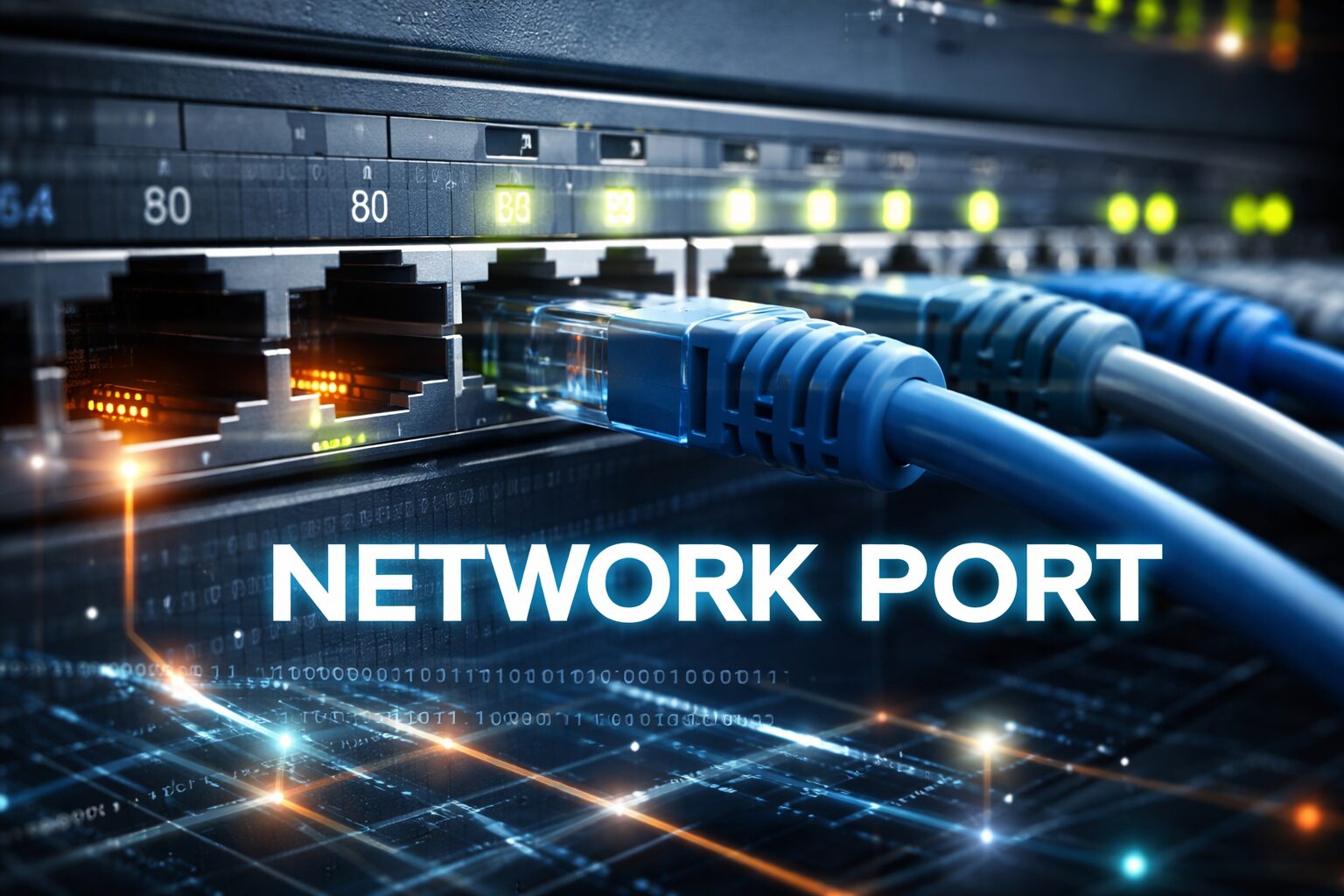
If you’ve ever used the internet, streamed a video, sent an email, or visited a website, you’ve relied on something called a network port—even if you didn’t realize it. Network ports are a core part of how devices communicate with each other online. In simple terms, a network port is like a door that allows data to enter or leave a device. Without ports, your computer wouldn’t know whether incoming data is meant for your browser, email app, or another program.
For beginners, the quick answer is this: a network port helps computers and servers know where to send and receive data over the internet. Understanding how ports work makes it easier to fix connection problems, improve security, and learn the basics of networking.
What Is a Network Port?
A network port is a virtual number used by a computer to organize and manage network traffic. It works alongside an IP address to ensure data reaches the correct application.
Network Port Definition (Simple)
Think of your device as an apartment building. The IP address is the building’s street address, while ports are the apartment numbers. Data arrives at the building, and the port tells it which “apartment” (app or service) to go to.
Physical Ports vs Network Ports
It’s easy to confuse these two:
- Physical ports: USB ports, HDMI ports, Ethernet ports
- Network ports: Virtual numbers used by software (like port 80 or port 443)
Network ports are not physical holes—they exist in software and help manage internet traffic.
How Ports Work with IP Addresses
Ports work with IP addresses to make sure data reaches the correct device and application on a network. The IP address identifies where the data should go, while the port number tells the device which service or app should receive it. Together, they act like a full address, allowing multiple applications—such as web browsers, email clients, and file transfers—to use the internet at the same time without confusion.
How Network Ports Work
Network ports work as virtual channels that organize how data moves between devices on a network. When you visit a website or use an online app, your device sends a request to a server’s IP address along with a specific port number. The server listens on that port, accepts the request, and sends the response back through the same channel. This system allows one server to handle many services at once, such as websites, emails, and file transfers, without mixing up the data. By using network ports, computers can communicate faster, more securely, and without conflicts between applications.
Types of Network Ports
Network ports are grouped into three main categories.
Well-Known Ports (0–1023)
These are reserved for common services:
- Port 80: HTTP
- Port 443: HTTPS
- Port 21: FTP
They are standardized and widely recognized.
Registered Ports (1024–49151)
Used by specific applications and software. Many apps request a registered port for consistent use.
Dynamic or Private Ports (49152–65535)
These are temporary ports used for short-lived connections, such as browsing websites or streaming content.
Common Network Ports and Their Functions
Here are the most commonly used network ports and what they do:
- Port 80 (HTTP) – Loads basic websites
- Port 443 (HTTPS) – Loads secure, encrypted websites
- Port 21 (FTP) – Transfers files
- Port 22 (SSH) – Secure remote server access
- Port 25 (SMTP) – Sends emails
- Port 53 (DNS) – Converts domain names into IP addresses
Visual: Common Network Ports Table (Suggested)
| Port Number | Service | Purpose |
|---|---|---|
| 80 | HTTP | Web traffic |
| 443 | HTTPS | Secure browsing |
| 22 | SSH | Secure login |
| 25 | SMTP | Email sending |
| 53 | DNS | Domain resolution |
TCP vs UDP Ports
Network ports work with two main protocols: TCP and UDP.
What Is TCP?
TCP (Transmission Control Protocol) ensures data is delivered correctly and in order. It’s reliable but slightly slower.
Used for:
- Web browsing
- File transfers
What Is UDP?
UDP (User Datagram Protocol) is faster but does not check for errors.
Used for:
- Video streaming
- Online gaming
- Live calls
Key Differences
| Feature | TCP | UDP |
|---|---|---|
| Speed | Slower | Faster |
| Reliability | High | Lower |
| Error Checking | Yes | No |
Why Network Ports Matter
Network ports matter because they keep internet communication organized, secure, and efficient. They allow multiple applications on the same device—such as browsers, email clients, and streaming apps—to use the internet at the same time without interfering with each other. Ports also help improve performance by directing data to the right service quickly, reducing errors and delays. From a security perspective, managing ports helps block unauthorized access and protect sensitive data. Without network ports, modern networks, online services, and everyday internet use would not function smoothly.
Network Port Security Basics
What Are Open Ports?
An open port is one that is listening for incoming connections. Some open ports are necessary, but unused ones can be risky.
Risks of Open Ports
- Unauthorized access
- Malware attacks
- Data breaches
How Firewalls Protect Ports
Firewalls block unused ports and allow only trusted traffic, reducing security threats.
How to Check Open Ports on Your Device
Common Tools
- Command line tools (netstat, lsof)
- Built-in system utilities
- Online port scanners
Checking Ports by OS
- Windows: Command Prompt tools
- macOS/Linux: Terminal commands
- Online tools: Quick external scans
Common Network Port Issues and Fixes
Common network port issues often cause connection errors, slow performance, or failed app access, but most are easy to fix. One frequent problem is port conflicts, where two applications try to use the same port—this can usually be solved by changing the port number for one of them. Blocked ports are another issue, often caused by firewalls or internet providers, and may require adjusting firewall settings or contacting the ISP. Connection timeouts or refused errors can happen when a port is closed or a service is not running, so restarting the application or server often resolves the problem. Understanding these common issues makes troubleshooting network connections faster and less stressful.
Network Ports vs Protocols
Ports and protocols work together but are not the same.
- Protocols define how data is sent
- Ports define where data goes
For example, HTTPS uses:
- Protocol: HTTPS
- Port: 443
Together, they create secure communication.
Conclusion
A network port is a virtual doorway that allows data to flow between devices and applications. Ports work with IP addresses and protocols to make the internet function smoothly. For beginners, understanding ports helps with troubleshooting, security awareness, and basic networking knowledge. Whether you’re browsing the web or managing a server, network ports play a vital role behind the scenes.
FAQs About Network Ports
What is a network port?
A network port is a virtual number that helps a computer send and receive data through the internet. It directs traffic to the correct application or service, such as a web browser or email program.
What are the 7 network protocols?
The seven common network protocols based on the OSI model are Physical, Data Link, Network, Transport, Session, Presentation, and Application. Together, they define how data moves across a network.
What are the three types of ports in networking?
The three types of network ports are well-known ports (0–1023), registered ports (1024–49151), and dynamic or private ports (49152–65535).
What is an IP port?
An IP port is a number used alongside an IP address to identify a specific service or application on a device. It ensures data reaches the correct destination within a network.
What is a port in networking?
A port is a virtual number that helps a device send data to the correct application or service.
Why do computers need ports?
Ports allow multiple apps to use the internet at the same time without conflict.
Is it safe to leave ports open?
Only necessary ports should remain open. Unused ports can pose security risks.
What is the most commonly used network port?
Port 443 (HTTPS) is the most commonly used today for secure web browsing.
Disclaimer
This article is for educational purposes only. Networking configurations vary by system and environment. Always consult a qualified IT professional before making changes to your network or security settings.

CryptoDaily101 is a digital content hub covering money-making tips, iGaming, cryptocurrency, and the freelance economy. We publish practical guides and in-depth resources to help readers earn online — whether through crypto, freelancing, side hustles, or digital work opportunities.