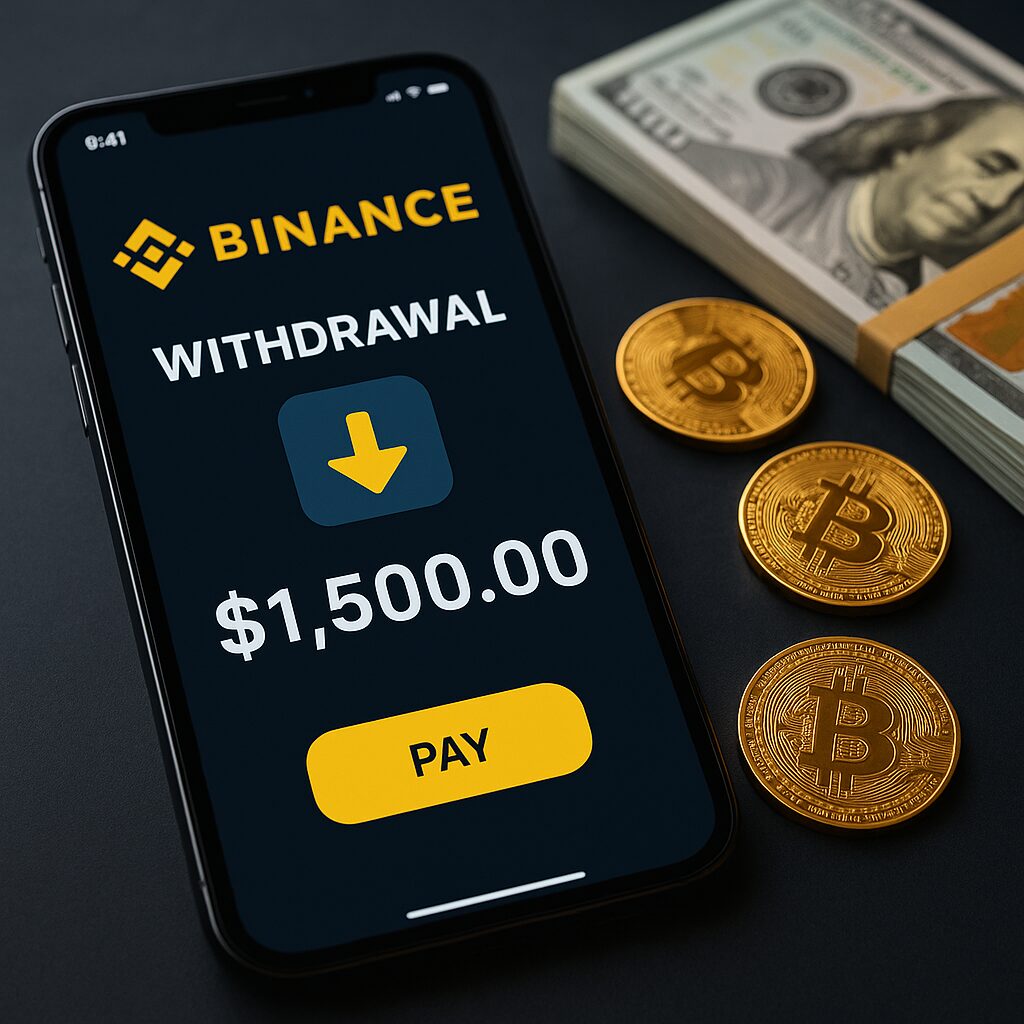
Withdraw money from Binance is quick and straightforward once you know the steps. Whether you’re cashing out your crypto gains to a bank account or sending coins to an external wallet, this process helps you access and manage your funds securely. In this guide, you’ll learn exactly what you need and how to complete your withdrawal in just a few easy steps.
Binance is one of the world’s largest and most trusted cryptocurrency exchanges. With millions of users across the globe, it offers a wide range of features for trading, investing, and storing digital assets like Bitcoin (BTC), Ethereum (ETH), and many more.
One essential feature for any user is the ability to withdraw money from Binance whether it’s fiat currency to your bank account or crypto to an external wallet. Knowing how to withdraw safely and correctly can help you avoid fees, delays, and costly mistakes.
In this complete guide, we’ll show you step-by-step how to withdraw money from Binance securely, including different methods like bank transfers, e-wallets, P2P, and crypto transfers.
What You Need Before Withdrawing Money From Binance
Before you begin the withdrawal process, make sure you have the following:
1. Verified Binance Account (KYC)
Binance requires you to complete Know Your Customer (KYC) verification to access withdrawal features. This includes uploading a valid ID and facial recognition.
2. Linked Bank Account or External Wallet
To withdraw fiat, you need to link your bank or e-wallet. For crypto, you’ll need a valid external wallet address.
3. Sufficient Wallet Balance
Check your Fiat and Spot wallet to ensure you have the amount available (after accounting for withdrawal fees).
4. Completed 2FA Security Setup
Enable Two-Factor Authentication (2FA) for an added layer of protection.
Types of Withdrawals You Can Make
Binance allows you to withdraw both fiat currencies and cryptocurrencies, depending on your preferences.
A. Fiat Withdrawals
You can withdraw government-issued money like PHP, USD, EUR, etc., to:
- Local banks (via SWIFT, SEPA, or local transfer)
- E-wallets like GCash, PayMaya (available in some countries)
B. Crypto Withdrawals
Send cryptocurrencies like BTC, ETH, BNB, and others to:
- External crypto wallets
- Cold storage or hardware wallets
Fiat vs Crypto Withdrawals
| Criteria | Fiat | Crypto |
|---|---|---|
| Speed | 1–3 business days | Minutes to hours |
| Fees | Varies per method | Depends on network traffic |
| Use Case | Convert crypto to cash | Transfer to another exchange or wallet |
How to Withdraw Fiat Money From Binance (To Bank Account or E-Wallet)
Step-by-Step Guide
Step 1: Log in to Your Binance Account
Go to Binance.com or use the mobile app.
Step 2: Go to Wallet → Fiat and Spot
Step 3: Click on Withdraw → Select Fiat
Step 4: Choose Your Currency and Payment Method
For example:
- PHP → GCash
- USD → Bank transfer (SWIFT)
- EUR → SEPA transfer
Step 5: Enter Withdrawal Amount and Details
Make sure your bank account matches the verified name on your Binance account.
Step 6: Complete the 2FA and Confirm Withdrawal
Step 7: Wait for Processing
The funds should appear in your account within minutes to a few days, depending on the method.
Transfer Cryptocurrency From Binance to a Hardware Wallet
To send cryptocurrency from Binance to a hardware wallet, you must first connect and set up your hardware wallet. Then, you must copy its receipt address for the right network and coin. To withdraw money from Binance, go to Withdraw, pick the cryptocurrency, copy and paste the wallet address, pick the network that works with it, enter the amount, and use security verification to complete the transaction. Never trust the address and network the first time to keep your money safe.
Can I withdraw funds from Binance to GCash or PayMaya?
Binance officially supports linking GCash and PayMaya as payment methods in its P2P marketplace, allowing Filipino users to sell crypto and receive PHP directly into those e-wallets.
| Step | Action |
|---|---|
| 1 | Add GCash or PayMaya under P2P Payment Settings in the Binance app |
| 2 | Transfer crypto (like USDT) from Spot to Funding Wallet |
| 3 | Go to P2P → Sell → Choose PHP and select e‑wallet |
| 4 | Sell crypto to a buyer and receive payment in your GCash/PayMaya |
| 5 | After confirming payment, release crypto to complete the trade |
- Yes, you can cash out crypto gains into GCash or PayMaya via Binance P2P.
- No, you can’t do it via direct fiat withdrawal from Wallet → Withdraw.
- Always use verified sellers/buyers and proceed with caution to stay safe.
Binance Withdrawal Time and Fees
Binance withdrawal time and fees depend on the method used. Crypto withdrawals usually process within minutes to an hour, but can take longer if the blockchain is congested, and fees vary by coin and network. Fiat withdrawals to bank accounts or cards can take from a few minutes up to 1–5 business days, depending on your country and payment provider. Binance displays the exact fee and estimated processing time before you confirm the withdrawal.
How to Withdraw Money From Binance Safely: Essential Tips
Make sure your account is fully verified and protected with two-factor authentication before you try to take money from Binance. When making deals, never use public Wi-Fi and always double-check withdrawal information like wallet addresses or bank account numbers. Only use official Binance withdrawal channels. Also, it’s a good idea to start with a small test withdrawal and keep an eye on Binance’s announcements for changes to maintenance or security.
How long does it take to process a withdrawal on Binance?
The withdrawal processing time on Binance depends on the type of withdrawal—whether you’re withdrawing fiat or cryptocurrency—and the method or network you use.
1. Fiat Withdrawals (to Bank Account or E-Wallet)
| Withdrawal Method | Estimated Time |
|---|---|
| Bank Transfer (SWIFT) | 1–5 business days |
| Local Bank Transfer | 5 minutes to 24 hours |
| SEPA (EU transfers) | 1–2 business days |
| P2P (to GCash, PayMaya) | 5–30 minutes (manual) |
2. Crypto Withdrawals (to External Wallets)
| Crypto | Network | Estimated Time |
|---|---|---|
| Bitcoin (BTC) | BTC | 10–60 minutes (1–3 blocks) |
| Ethereum (ETH) | ERC20 | 5–15 minutes (but can vary with gas fees) |
| USDT | TRC20 | 2–5 minutes |
| BNB | BEP20 | 1–3 minutes |
Why Your Withdrawal Might Be Delayed
- Blockchain congestion (especially for BTC or ERC20)
- Incorrect info (e.g., wrong wallet address or network)
- Account verification (KYC) not completed
- Security checks (if large or unusual transactions)
- Scheduled system maintenance by Binance
Visual Guide: Average Binance Withdrawal Fees by Network
| Crypto | Network | Average Fee |
|---|---|---|
| BTC | BTC | ~0.0005 BTC |
| ETH | ERC20 | ~0.001 ETH |
| USDT | TRC20 | ~1 USDT |
| BNB | BEP20 | ~0.0005 BNB |
Binance P2P Withdrawal Method (Alternative Option)
Binance’s Peer-to-Peer (P2P) platform lets you sell your crypto directly to users and receive payments via local methods such as bank transfer, GCash, or PayMaya.
How It Works:
- Go to P2P section
- Select “Sell” and choose your crypto
- Set payment method (e.g., GCash)
- Choose a buyer and initiate transaction
- Release crypto after receiving payment
Pros:
- Zero Binance withdrawal fees
- Supports local wallets like GCash
- Quick cash out
Cons:
- Risk of scams (choose verified buyers)
- Manual coordination required
Fees and Withdrawal Limits
Binance Withdrawal Fees
- Fiat: Varies by method (e.g., $1–15 for bank transfers)
- Crypto: Depends on network congestion
Daily Limits
| KYC Level | Fiat Limit | Crypto Limit |
|---|---|---|
| Basic | No fiat | Limited |
| Verified | Up to $50K/day | Higher limits |
Common Issues and How to Solve Them
“Processing” or “Pending” Status
- Double-check if network is congested
- Wait for standard processing time
Incorrect Wallet Address or Network
- Unfortunately, this can lead to loss of funds. Always verify.
Rejected Fiat Withdrawal
- Make sure account name matches
- Check if your bank supports crypto-related transactions
Contact Binance Support
Visit the Binance Support Center and create a ticket.
Security Tips for Withdrawing Funds
To keep your funds safe:
Enable Anti-Phishing Code
Use 2FA with Google Authenticator
Whitelist Wallet Addresses
Avoid logging in from public Wi-Fi networks
Always double-check withdrawal details before confirming
Conclusion
Withdrawing money from Binance is simple once you understand the process. Whether you’re moving crypto to a cold wallet or cashing out fiat to your bank account, following the right steps ensures that your money gets where it needs to go—safely and efficiently.
Choose the method that fits your needs, stay aware of the fees, and always double-check your information to avoid errors.
FAQs About Withdrawing Money From Binance
How long does it take to withdraw from Binance?
Fiat withdrawals: 5 minutes to 3 business days
Crypto withdrawals: Usually 5–60 minutes depending on network
What is the minimum withdrawal amount?
Varies by currency/crypto. Example: 0.001 BTC, 10 USDT, $10 fiat
Can I withdraw to GCash or PayPal?
GCash: Available via P2P or some local fiat options
PayPal: Not supported directly on Binance
Why was my withdrawal rejected?
Possible reasons: Incomplete KYC, mismatched name, unsupported bank, wrong network
Are Binance withdrawals taxable in my country?
, in most countries crypto withdrawals may be subject to capital gains or income tax. Always consult a tax professional.
How do I get my money out of Binance?
Sell your crypto to fiat, go to Withdraw, choose a bank, card, or P2P method, complete verification, and confirm the transfer.
Can you withdraw money from Binance to mobile money?
Direct mobile money withdrawals depend on your country, but you can use Binance P2P to receive funds via supported mobile wallets.
Can Binance transfer to a bank account?
Yes. After converting crypto to fiat, Binance can send funds to a linked bank account in your name, if supported in your region.
Why can’t I withdraw cash from my Binance account?
Common reasons include incomplete KYC, security holds, insufficient balance for fees, maintenance, or unsupported withdrawal methods.
Disclaimer:
This guide is for educational purposes only and does not constitute financial advice. Always do your own research and consult with professionals regarding taxes and legal compliance in your region.