

Have you ever wondered why your internet works fine one minute and slows down the next? Or why sometimes your Wi-Fi signal disappears even though your internet is still connected? The answer could lie in understanding the difference between two essential devices: the modem and router.
These two pieces of equipment are often confused, but they serve very different roles. Many people use them daily without knowing what each one does, and that confusion can lead to poor performance, bad connections, or unnecessary tech purchases.
In this article, we’ll break down the difference between a modem and router, show you how they work together, and help you figure out what setup works best for your needs.
What Is a Modem?
A modem is the device that connects your home network to the wider internet. It translates digital data from your ISP (Internet Service Provider) into a format your devices can understand.
How It Works:
- The modem receives signals from your ISP through a coaxial cable, phone line, or fiber optic line.
- It then converts those signals into digital data that can be sent to a router or directly to a single device.
Types of Modems:
- DSL Modem: Connects through a telephone line
- Cable Modem: Connects via a coaxial cable (commonly used in home broadband)
- Fiber Modem (ONT): Used with fiber internet, often provided by your ISP
How does a modem provide internet access?
A modem provides internet access by acting as a bridge between your home network and your Internet Service Provider (ISP). It receives digital signals from your ISP over cable, DSL, or fiber lines and converts them into data your devices can understand. When you connect a device to the modem—either directly with an Ethernet cable or through a router—the modem transmits and receives information to and from the internet, allowing you to browse websites, stream videos, or send emails. Essentially, the modem translates the ISP’s signal into a usable internet connection for your home or office.
What Is a Router?
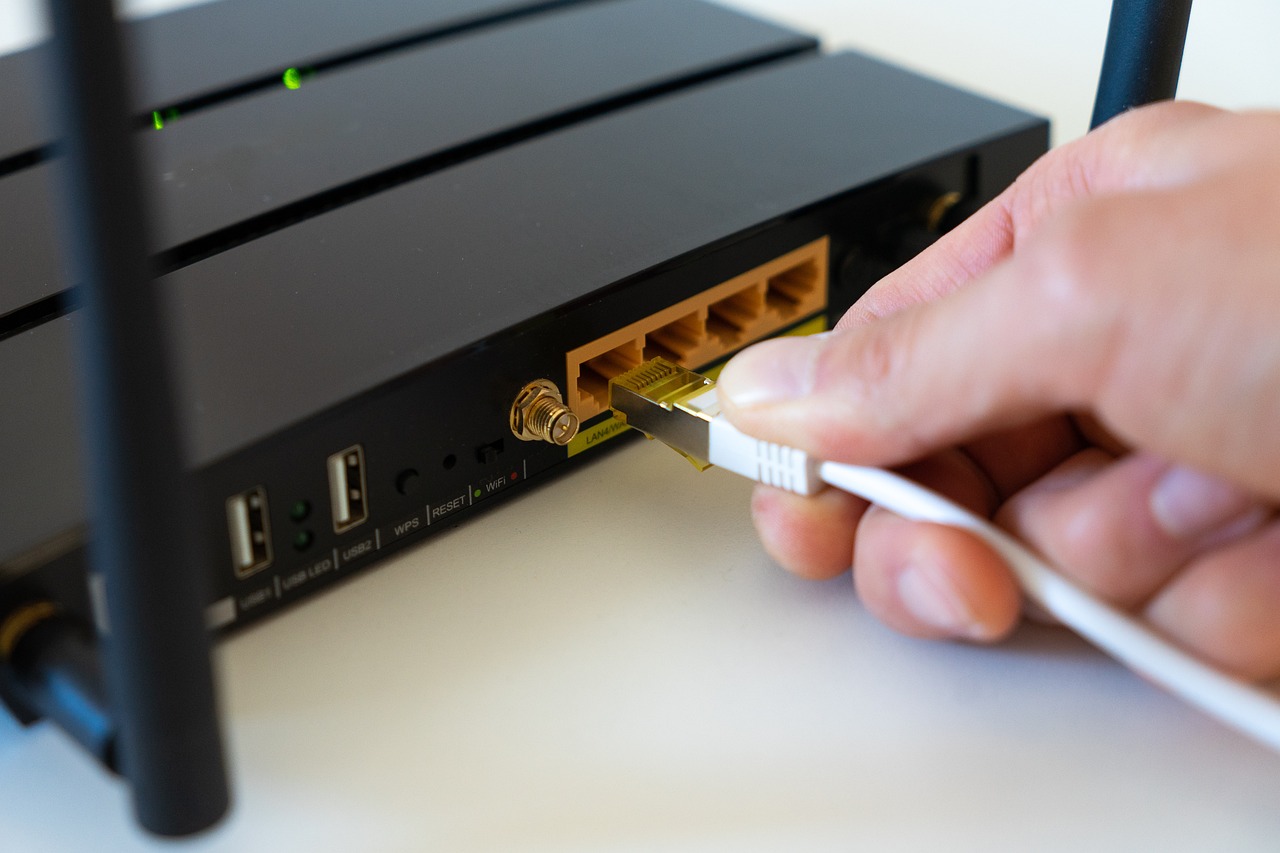
A router takes the internet signal from your modem and sends it to multiple devices. It allows you to connect phones, laptops, smart TVs, and more—often all at once.
How It Works:
- The router connects to your modem using an Ethernet cable
- It creates a local network in your home or office
- It assigns IP addresses to each device and manages network traffic
Types of Routers:
- Wired Router: Connects devices via Ethernet cables
- Wireless Router: Provides Wi-Fi access to devices wirelessly
Visual: Router Connecting Devices
Modem vs Router: What’s Their Difference?
Let’s compare the two side by side:
| Feature | Modem | Router |
|---|---|---|
| Function | Connects your network to the internet | Connects multiple devices within your home |
| Connection Type | ISP line (DSL, cable, fiber) | Ethernet cable from modem |
| Device Communication | Doesn’t communicate between devices | Manages device-to-device communication |
| Role in Network | Internet gateway | Network manager and traffic controller |
| Needed for Wi-Fi? | No | Yes |
Do You Need Both?
Yes, in most cases, you do need both a modem and a router. The modem connects your home to your Internet Service Provider (ISP) and brings the internet signal inside your house. The router then takes that connection and shares it with multiple devices through WiFi or wired connections. Without a modem, you can’t access the internet, and without a router, you can’t easily connect multiple devices or use WiFi. Some homes use a modem-router combo, which performs both functions in a single device.
Modem-Router Combo Devices
A modem-router combo is a single device that combines the functions of both a modem and a router. This means it can connect to your Internet Service Provider (ISP) like a modem and also create a WiFi network for multiple devices like a router. Combo devices are convenient because they reduce the number of gadgets, save space, and simplify setup. However, they may offer fewer features or less customization compared to having separate modem and router units. They are ideal for home users who want a simple, all-in-one solution for internet access and wireless networking.
Can a modem work without a router?
Yes, a modem can work without a router, but with limitations. A modem connects directly to your Internet Service Provider (ISP) and provides a single internet connection to one device at a time—usually via an Ethernet cable. Without a router, you won’t have WiFi, and only the connected device can access the internet. For multiple devices or wireless access, a router is necessary.
Here’s how it works:
A modem connects your home to the internet through your Internet Service Provider (ISP). If you connect a single device (like a desktop or laptop) directly to the modem using an Ethernet cable, you can access the internet without a router.
But there are important limitations:
- Only One Device at a Time
Without a router, only one device can be connected to the internet. No Wi-Fi means no phones, tablets, smart TVs, or other wireless gadgets can go online. - No Wi-Fi
A modem alone does not provide wireless internet. You need a router to broadcast Wi-Fi signals around your home. - Limited Security
Routers act as a protective barrier (firewall) between your device and the public internet. Without one, your device is more directly exposed to online threats. - No Local Network
Routers allow multiple devices in your home to communicate with each other — for example, printing wirelessly or streaming to a smart TV. A modem can’t do this.
How to Know Which One You Need
Common Use Cases:
- Streaming: A good router ensures fast speeds and stable connections
- Gaming: Low latency and high bandwidth from separate devices
- Working from Home: Reliable internet and strong Wi-Fi signal
Things to Consider:
- Internet speed: Make sure both devices can handle your plan’s max speed
- Wi-Fi range: Choose a router with strong antennas for large homes
- Number of users/devices: More people = stronger router needed
Renting vs. Buying:
- Renting: Monthly fee ($10-$15), tech support from ISP, but more costly over time
- Buying: One-time cost, more control and better performance
Tip: Buying your own modem and router can save money long-term and boost your speed.
Common Questions and Troubleshooting
Is the Problem with the Modem or Router?
- If all devices lose internet: Likely the modem
- If only Wi-Fi fails, but wired works: Likely the router
Quick Fixes:
- Unplug and restart both devices
- Check cables and connections
- Login to router settings (type 192.168.1.1 in browser) to see signal status
Internet Speed vs. Wi-Fi Strength:
- Slow internet? Check modem or ISP
- Good internet but weak Wi-Fi? Upgrade your router or use extenders
Final Thoughts
Understanding the difference between a modem and router can help you:
- Solve internet issues faster
- Choose the right devices for your needs
- Avoid overpaying for gear you don’t need
Whether you’re setting up a new home network or upgrading your system, knowing how modem and routers work together puts you in control. Choose smart, connect better!
FAQs
Do I need both a modem and a router?
Yes, you usually need both. A modem connects your home to the internet through your Internet Service Provider (ISP), while a router shares that internet connection with multiple devices via WiFi or wired connections. Some devices combine both functions, but most homes use separate units.
Can a router be used as a modem?
No, a standard router cannot replace a modem. A router only directs internet traffic within your network, while a modem translates signals from your ISP into a form your devices can use. Some modern devices combine both functions, called modem-router combos.
Is WiFi on a router or modem?
WiFi is usually provided by a router, not a modem. The router creates a wireless network for your devices. If your modem has a built-in router, it can also provide WiFi.
Can I connect to the internet with just a modem?
Yes, but only one device can use the internet and it must be wired. No Wi-Fi or multiple connections without a router.
Do I need a router for Wi-Fi?
Yes. A router (or modem and router combo) is required to provide Wi-Fi to phones, laptops, and smart devices.
What’s the benefit of having separate modem and router devices?
You get better flexibility, easier upgrades, and often better performance for Wi-Fi and advanced networking features.
Can a modem work as a router?
No, not unless it is a combo device. A modem alone cannot create a Wi-Fi signal or manage a local network.
How do I know if I have a modem and router combo?
Look at the label on your device or check with your ISP. If it has Ethernet ports and Wi-Fi antennas in one box, it’s likely a combo.
Do I need both a modem and a router for home internet?
Yes, in most cases you need both a modem and router for home internet unless you’re using a modem and router combo device (also called a gateway).
Disclaimer:
This article is for educational purposes only and does not replace professional IT advice. Always check with your Internet Service Provider for device compatibility.

