

When you’re browsing the internet, streaming videos, or playing online games, you’ve probably heard the term “bandwidth”. But what exactly is bandwidth, and why does it matter for your online experience? In simple terms, bandwidth is the amount of data your internet connection can handle at a time. Think of it as a highway — the wider the highway, the more cars can travel at once. In this article, we’ll break down bandwidth, how it affects your online tasks, and what you can do to get the best performance from your internet connection.
What is Bandwidth?
Bandwidth refers to the maximum amount of data that can be transmitted over your internet connection in a given time. It is usually measured in Megabits per second (Mbps) or Gigabits per second (Gbps). While bandwidth is often confused with internet speed, they’re not the same. Speed refers to how fast a single piece of data travels, while bandwidth is about how much data can travel at once.
Think of your internet connection like a water pipe. Bandwidth is the diameter of the pipe. A larger pipe (higher bandwidth) can carry more water (data) at the same time. Speed, on the other hand, is like the water pressure — it determines how quickly the water flows through the pipe.
How It Works and Affects Your Connection
Internet bandwidth refers to the maximum amount of data your connection can handle at a time, and it directly affects how fast and smoothly you can use online services. Higher bandwidth allows multiple devices to stream, download, or game simultaneously without slowing down, while low bandwidth can cause buffering, lag, or long download times. Bandwidth works hand-in-hand with latency and network stability—so even a fast connection can feel slow if many devices are using it or if the network is congested. By understanding how bandwidth works, you can choose the right plan for your household, optimize your router, and ensure a seamless online experience for work, entertainment, and gaming.
Does More Bandwidth Mean Faster Internet?
More bandwidth does not always mean faster internet, but it allows your connection to handle more data at once. Think of bandwidth like a highway: a wider highway can accommodate more cars, reducing traffic jams, but it doesn’t make individual cars move faster. If only one device is using the connection, extra bandwidth may not feel faster. However, in households or offices with multiple devices streaming, gaming, or downloading simultaneously, more bandwidth helps prevent slowdowns, buffering, and lag. So, while bandwidth affects overall capacity, true speed also depends on factors like latency, network congestion, and your internet plan.
How Bandwidth Affects Your Online Experience
Your internet experience depends a lot on your bandwidth. Here’s how it impacts common online activities:
Streaming Videos and Music
Streaming platforms like YouTube, Netflix, and Spotify need a stable bandwidth. For example:
- Standard Definition (SD) videos: 3-4 Mbps
- High Definition (HD) videos: 5-8 Mbps
- 4K Ultra HD videos: 15-25 Mbps
Without sufficient bandwidth, you’ll experience buffering or lower video quality.
Online Gaming
Games like Fortnite or Call of Duty require consistent bandwidth to prevent lag. While gaming doesn’t use a huge amount of data, latency (or ping) matters more.
Video Calls and Conferencing
Apps like Zoom or Microsoft Teams need a reliable connection. For HD video calls, a minimum of 3-5 Mbps per user is recommended. Multiple participants on the same network increase the required bandwidth.
Uploading and Downloading Files
Large files, like videos or software, require higher bandwidth to download or upload quickly. A slow connection can make even simple file transfers frustrating.
Factors That Impact Bandwidth Usage
Several factors can affect how much bandwidth your network uses:
- Number of Devices Connected – The more devices connected, the more data is used. Multiple phones, laptops, smart TVs, and IoT devices share your bandwidth.
- Type of Online Activities – Streaming, gaming, and video calls require more bandwidth than browsing websites or sending emails.
- Background Apps and Updates – Automatic updates and cloud backups can use bandwidth without you noticing.
- ISP Limitations – Your internet provider may throttle bandwidth during peak hours or if you exceed data limits.
What factors can affect bandwidth speed test results?
Several factors can influence the results of a bandwidth speed test, making them higher or lower than your actual connection potential. Network congestion from multiple devices using the internet at the same time can slow speeds. Wi-Fi signal strength and interference—from walls, distance, or other electronics—can also reduce test results compared to a wired connection. The performance of your device, including background apps and outdated hardware, may limit speeds. Additionally, server location and test server load play a role, as testing against a distant or overloaded server can show lower speeds. Even your ISP throttling or peak-hour traffic can affect results, so it’s best to run tests multiple times under different conditions to get an accurate picture.
How to Check Your Current Bandwidth
It’s important to know your current bandwidth to ensure it meets your needs. Here are simple ways to check:
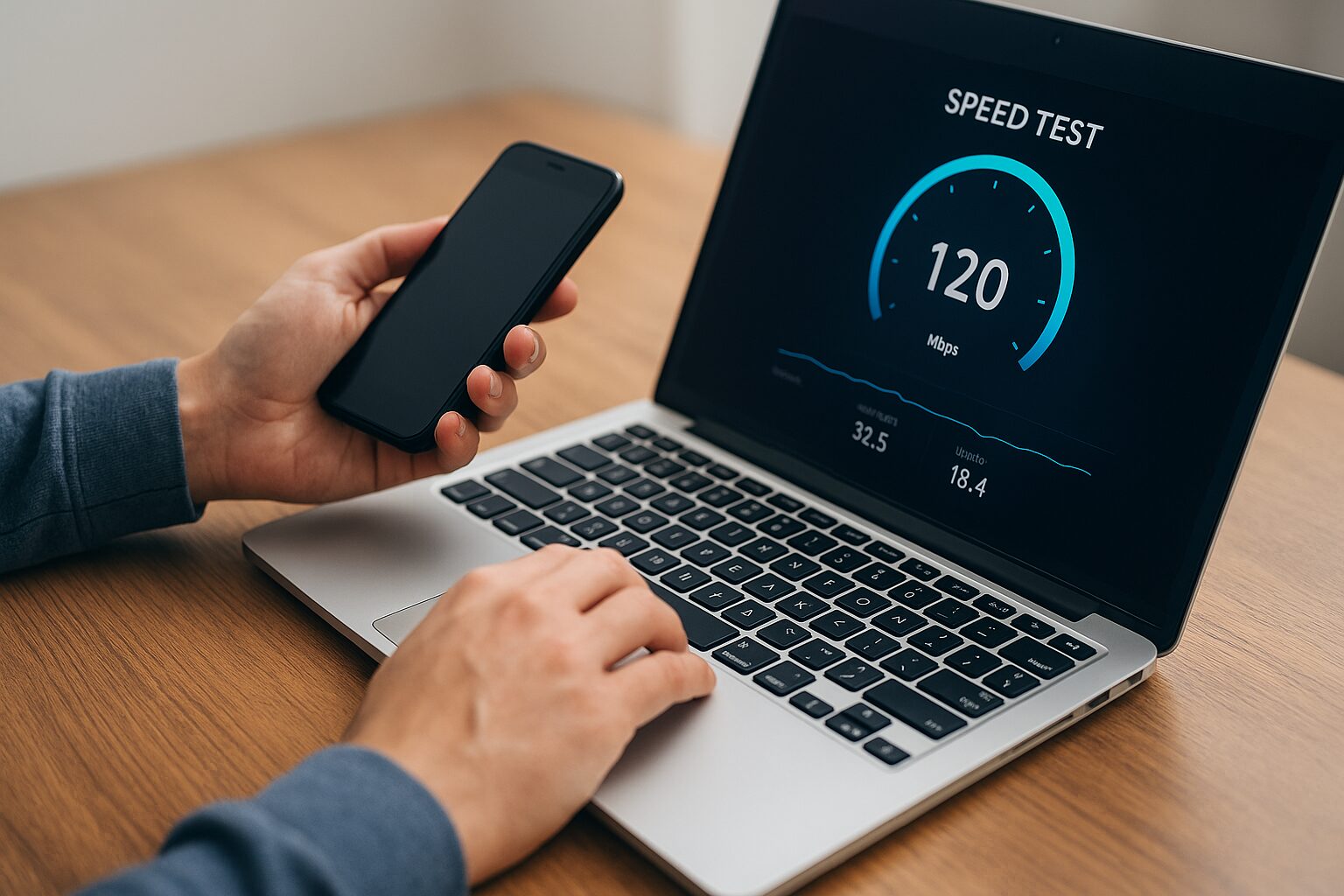
- Online Speed Tests: Websites like Speedtest.net provide accurate download and upload speeds.
- ISP or Router Tools: Many routers and ISPs offer bandwidth monitoring tools.
- Understanding Test Results: Pay attention to download speed, upload speed, and ping/latency. These numbers show how fast your network can handle different tasks.
| Activity | Recommended Bandwidth (Mbps) |
|---|---|
| Browsing & Email | 1-3 |
| Standard Definition Video | 3-4 |
| HD Video Streaming | 5-8 |
| 4K Video Streaming | 15-25 |
| Video Conferencing (HD) | 3-5 per user |
| Online Gaming | 3-6 |
| Large File Upload/Download | 10+ |
Recommended Bandwidth for Common Tasks
Internet bandwidth determines how much data can travel between your devices and the internet at one time. Different activities require different amounts of bandwidth to run smoothly. Browsing and emailing need very little—around 5–10 Mbps per person. Streaming HD videos or making video calls requires 25–50 Mbps, while 4K streaming, online gaming, and large file downloads may need 100 Mbps or more per person. For households with multiple users or devices, higher bandwidth, such as 200–500 Mbps, ensures everyone can work, play, and stream without lag or buffering. Understanding your bandwidth needs helps you choose the right internet plan and optimize your online experience.
Ways to Improve Your Bandwidth
If your internet feels slow or laggy, here are effective ways to improve your bandwidth:
- Upgrade Your Internet Plan – If your current plan doesn’t meet your usage needs, consider a higher-speed package.
- Optimize Wi-Fi Placement – Place your router in a central location and avoid obstacles like walls or appliances.
- Use Wired Connections – Ethernet connections provide more stable and faster speeds compared to Wi-Fi.
- Limit Background Usage – Pause downloads or cloud backups while streaming or gaming to free up bandwidth.
- Use Quality of Service (QoS) Settings – Some routers allow you to prioritize bandwidth for specific activities or devices.
Semantic keywords: internet optimization, router placement, wired connection, network speed, bandwidth management
Common Bandwidth Myths Debunked
There are several misconceptions about bandwidth:
- Myth 1: Higher Bandwidth Always Means Faster Internet
Higher bandwidth allows more data at once, but your internet speed can still be affected by latency or network congestion. - Myth 2: Bandwidth and Internet Speed Are the Same
Speed is how fast data travels, bandwidth is how much data can travel. Both are important but different. - Myth 3: More Devices Always Reduce Speed Significantly
While devices share bandwidth, modern routers handle multiple devices efficiently. Proper network management can prevent slowdowns.
Conclusion
Understanding bandwidth is key to having a smooth online experience. Matching your internet plan to your online activities ensures you can stream, work, game, and browse without interruptions. Regularly monitoring your bandwidth and optimizing your network can make a big difference.
FAQs
1. What is the difference between bandwidth and internet speed?
Bandwidth is the maximum data your connection can handle, while speed is how fast that data travels.
2. How much bandwidth do I need for streaming 4K videos?
You need at least 15-25 Mbps per stream for smooth 4K playback.
3. Can I share bandwidth between multiple devices efficiently?
Yes, but it depends on your total bandwidth and network management. Using a modern router and limiting background apps helps.
4. Does more bandwidth mean faster downloads?
Not always. Download speed depends on your connection type, network congestion, and server speed.
5. How can I improve my Wi-Fi bandwidth at home?
Place your router centrally, use Ethernet for critical devices, and minimize background downloads or updates.
6. How much bandwidth do I need for online gaming?
Most online games require 3-6 Mbps per player, but low latency (ping) is often more important than high bandwidth.
7. Will my internet plan support multiple users at the same time?
It depends on the plan’s total bandwidth. For households with multiple devices streaming, gaming, or video conferencing, a higher bandwidth plan is recommended.
8. Can I measure bandwidth on my own?
Yes, using online speed tests like Speedtest.net or your router’s monitoring tools, you can check download, upload speeds, and ping.
9. Does upgrading my bandwidth always fix slow internet?
Not always. Slow internet can be caused by router issues, network congestion, or poor Wi-Fi placement. Bandwidth upgrades help mainly when your current plan is insufficient.
10. Are wired connections better than Wi-Fi for bandwidth?
Yes. Wired (Ethernet) connections are generally faster and more stable than wireless connections, especially for gaming or streaming large files.
Disclaimer
This article is for informational purposes only. Internet speeds and bandwidth requirements may vary based on location, ISP, devices, and online activities. Always consult your internet service provider for specific recommendations regarding your connection.

