

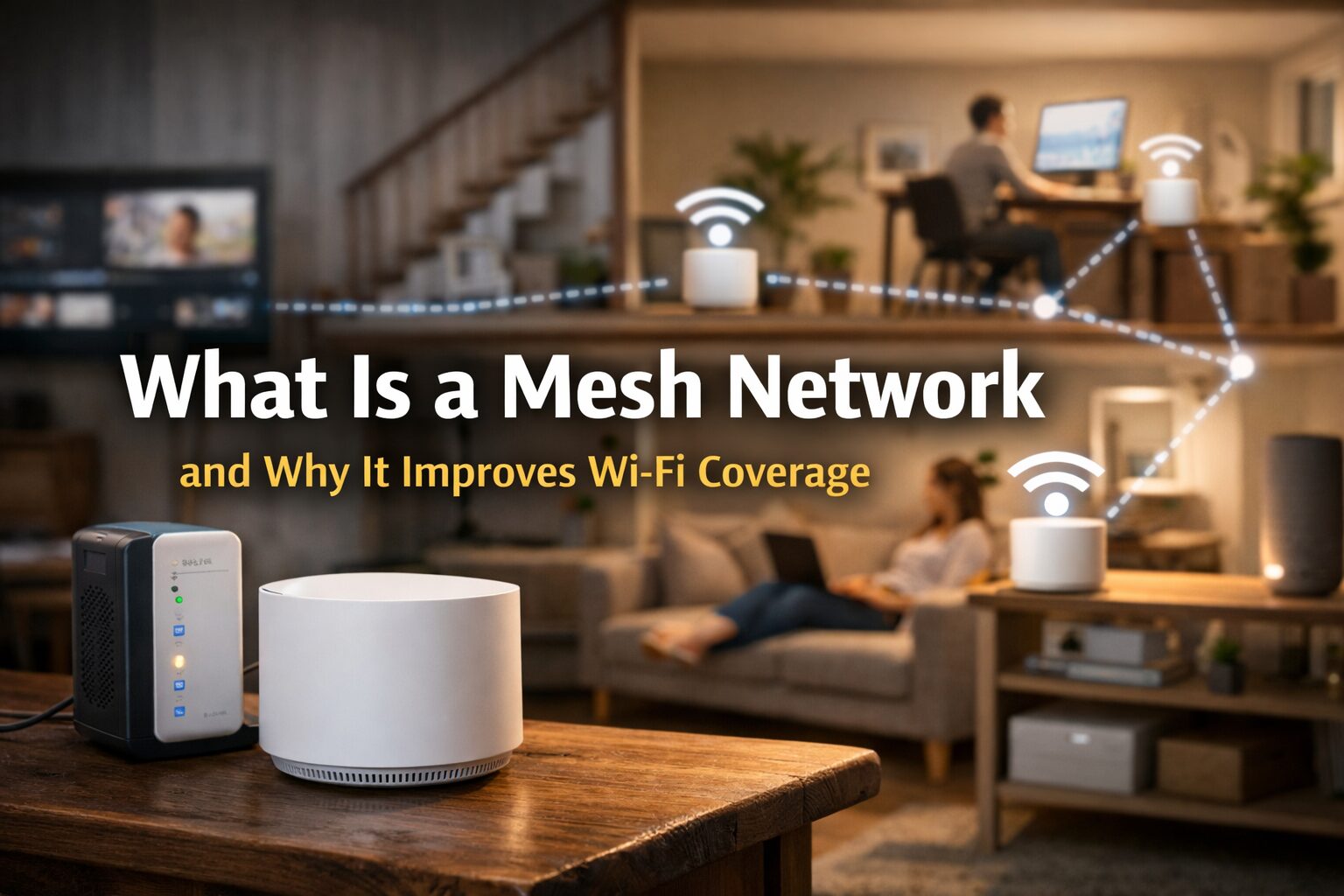
A mesh network is one of the best solutions for modern Wi-Fi problems. If you’ve ever experienced weak signals, dead zones, or slow internet in certain rooms, a mesh Wi-Fi system may be exactly what you need. As homes and offices become more connected—with smart TVs, phones, laptops, security cameras, and smart home devices—traditional routers often struggle to keep up. This is why mesh networks are becoming increasingly popular for both home and office Wi-Fi setups.
Mesh networks solve common Wi-Fi issues such as poor coverage, dropped connections, and unstable speeds by spreading the signal evenly across your entire space. Instead of relying on a single router, a mesh system uses multiple access points that work together as one network.
What Is a Mesh Network?
A mesh network is a Wi-Fi system made up of a main router and multiple mesh nodes (also called satellites or points). These nodes are placed around your home or office to create a single, seamless wireless network. Unlike traditional routers that broadcast Wi-Fi from one location, mesh networks distribute the signal evenly. All nodes communicate with each other, ensuring consistent coverage in every room.
When Do You Need a Mesh Network?
You need a mesh network when your Wi-Fi struggles to cover your entire home or office. It’s ideal for large spaces, multi-story buildings, or places with thick walls where a single router can’t reach every room. A mesh network is also a smart choice if you have many connected devices, such as smart TVs, security cameras, and phones, or if you often experience slow speeds, dead zones, or frequent Wi-Fi dropouts.
How Mesh Networks Differ From Traditional Routers
Mesh networks differ from traditional routers by using multiple connected nodes instead of a single device to spread Wi-Fi evenly across your space. A traditional router sends signals from one central point, which can lead to weak spots and dead zones as you move farther away. In contrast, a mesh network creates a single, seamless Wi-Fi system where each node works together, automatically routing traffic through the strongest path to keep your connection stable, fast, and consistent in every room.
Key Components of a Mesh Network
- Main router: Connects directly to your modem
- Mesh nodes: Extend Wi-Fi coverage throughout the space
- Management app: Controls the entire network from one place
How a Mesh Network Works
A mesh network works by allowing each node to communicate with the others, forming a web-like structure. Data is automatically routed through the fastest and strongest path, ensuring stable performance. One of the biggest advantages is seamless roaming. Your device automatically connects to the nearest node without dropping the signal, even as you move around. Mesh networks also use self-healing technology. If one node fails or loses connection, the system reroutes traffic through another node so your internet stays online.
Key features of how mesh Wi-Fi works:
- One network name (SSID)
- Automatic device switching
- Smart traffic management
- Self-optimizing signal paths
Mesh Network vs Traditional Wi-Fi Router
Coverage Comparison
Traditional routers often leave dead zones, especially in large homes or buildings with thick walls. Mesh networks provide full coverage by placing nodes where signals are weakest.
Speed and Stability
Mesh Wi-Fi delivers more consistent speeds across the entire area, while traditional routers may slow down the farther you move away.
Scalability and Flexibility
Mesh systems are easy to expand—just add another node. Traditional routers usually require extenders, which can reduce performance.
Ease of Setup and Management
Most mesh systems use mobile apps for setup and monitoring, making them easier to manage than advanced traditional routers.
Why a Mesh Network Improves Wi-Fi Coverage
A mesh network improves Wi-Fi coverage by using multiple connected nodes that work together to spread the signal evenly across your space. Instead of one router struggling to reach every corner, each node boosts the connection, helping eliminate dead zones and weak spots. This setup delivers a stronger and more consistent signal in every room, even in large homes or buildings with thick walls. As you move around, your device automatically connects to the nearest node, ensuring smooth and reliable internet access at all times.
Benefits of Using a Mesh Network
Using a mesh network offers several major advantages:
- Better Wi-Fi coverage throughout your home or office
- Stable and reliable connections with fewer dropouts
- Easy expansion by adding more nodes
- Centralized control using a smartphone app
- Better performance for multiple devices at once
Mesh networks are ideal for households with many connected devices, including smart home systems, gaming consoles, and streaming devices.
Potential Drawbacks of Mesh Networks
While mesh networks offer better coverage, they do come with a few drawbacks. They usually cost more than a single traditional router, especially if you need multiple nodes. Some lower-end mesh systems may also reduce speeds because data hops between nodes. For small homes or apartments, a mesh network can be overkill and may not provide much improvement over a good-quality router. Setup is generally easy, but managing multiple nodes can still be more complex for users who prefer a simple, plug-and-play solution.
How to Choose the Right Mesh Network System
When selecting a mesh network, consider these factors:
Coverage Area
Choose a system that matches your home size and layout.
Wi-Fi Standards
- Wi-Fi 5: Basic coverage
- Wi-Fi 6: Better speed and device handling
- Wi-Fi 6E: Faster and future-ready
Security Features
Look for WPA3 encryption, parental controls, and automatic updates.
Budget
Mesh systems range from budget-friendly to premium models. Choose based on your needs, not just price.
Popular Mesh Network Brands and Examples
Some popular mesh Wi-Fi brands include:
- Google Nest Wi-Fi
- TP-Link Deco
- Netgear Orbi
- Eero Mesh Wi-Fi
Key features to compare:
- Speed performance
- App usability
- Security tools
- Expansion options
Mesh Network Setup and Maintenance Tips
Basic Installation Steps
- Connect the main router to your modem
- Place mesh nodes evenly around your space
- Use the app to complete setup
Optimal Node Placement
- Avoid placing nodes behind thick walls
- Keep nodes in open areas
- Space nodes evenly for best coverage
Maintenance Tips
- Keep firmware updated
- Monitor connected devices
- Adjust node placement if speeds drop
Mesh Network FAQs
Is a mesh network better than a router?
Yes, for large homes or spaces with Wi-Fi dead zones, mesh networks provide better coverage and stability.
Does a mesh network slow down Wi-Fi?
High-quality mesh systems maintain fast speeds. Lower-end models may reduce speed slightly.
Can mesh Wi-Fi work with any internet provider?
Yes, mesh systems work with most ISPs as long as you have a modem.
How many mesh nodes do I need?
Small homes may need 2 nodes, while larger homes may need 3 or more.
Is mesh Wi-Fi better than regular Wi-Fi?
Mesh Wi-Fi is often better than regular Wi-Fi for large homes or offices. It uses multiple nodes to spread a strong signal everywhere, reducing dead zones and dropped connections.
Why is it called a mesh network?
It’s called a mesh network because all the nodes are connected like a web or “mesh.” Each node talks to the others, creating multiple paths for data to travel smoothly.
What is a benefit of a mesh network?
One major benefit of a mesh network is consistent Wi-Fi coverage. You get stable speeds in every room without needing multiple routers or extenders.
Do I Really Need a Mesh WiFi Router?
You might need a mesh WiFi router if your current Wi-Fi struggles to cover your whole home or office. It’s especially helpful for large spaces, multi-story houses, or places with thick walls where signals often drop.
Final Thoughts on Mesh Networks
A mesh network is one of the best upgrades you can make for better Wi-Fi coverage. It eliminates dead zones, improves stability, and supports modern connected lifestyles. Mesh Wi-Fi is ideal for large homes, offices, and smart environments with multiple devices. While it may cost more upfront, the long-term performance and convenience make it worth the investment.
Disclaimer
This content is for informational purposes only. Product features, pricing, and performance may vary depending on brand, location, and internet service provider. Always research and compare options before purchasing a mesh network system.

